Does a Gaming Mouse Pad Actually Improve Aim?
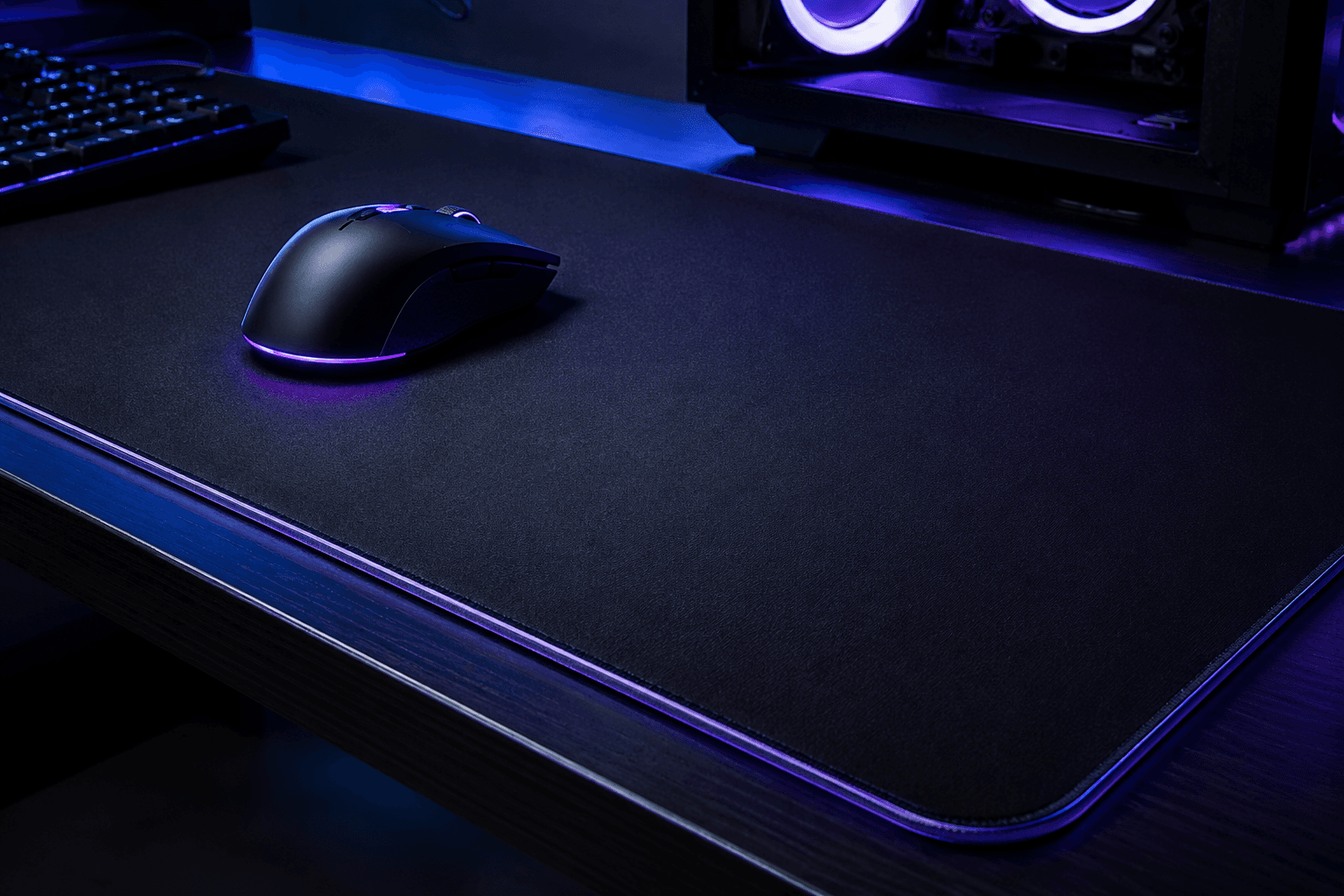
Yes, a gaming mouse pad genuinely makes a difference to aim quality, though not in the way most people expect. It is not magic. Buying a large cloth pad will not turn inconsistent aim into precise tracking overnight. What it does is remove a set of variables that quietly undermine your aim without you necessarily being aware of them. If you are playing on a bare desk, a cheap foam mat, or a textured surface that catches your mouse sensor, your aim is being affected in ways that a proper mouse pad eliminates entirely.
The surface your mouse glides across determines tracking consistency, sensor accuracy, and how predictably your mouse moves during gameplay. A gaming mouse pad gives your sensor a consistent, optimised surface to read, gives your wrist and arm a reliable glide feel, and removes the kind of surface variation that introduces micro-inconsistencies into your aim. For competitive FPS gaming in particular, this is a meaningful upgrade that costs very little relative to other peripheral spending.
What a Mouse Pad Actually Does for Aim
The most important thing a mouse pad does is give the optical sensor a surface it can read accurately and consistently. Modern gaming mice use optical sensors that work by tracking surface texture many thousands of times per second. On an irregular surface like a wooden desk or a cheap foam mat with uneven texture, the sensor can produce tracking errors. These show up as slight jolts, micro-jitters, or tracking inconsistencies that feel like aim randomness but are actually sensor error caused by the surface.
A quality cloth or hard mouse pad gives the sensor a uniform texture across the entire surface. The sensor reads the same type of material regardless of where on the pad the mouse sits, which means tracking stays consistent from the centre of the pad to the edges. That consistency is what translates into more predictable aim, not some magical property of the pad itself.
The second thing a mouse pad provides is a reliable glide feel. How easily your mouse slides across the surface affects your muscle memory and the physical control you have over your movements. If the surface changes across the desk (some areas smoother than others, edges of a mat with different texture to the middle), your aim will be subtly inconsistent even if your inputs are correct. A uniform pad removes that variable entirely.
Cloth vs Hard Mouse Pads: Which Is Better for Gaming?
This is the main choice you will face when buying a gaming mouse pad, and both have real advantages depending on your play style and personal preference.
Cloth pads are the more popular choice across competitive gaming. They provide moderate resistance that slows the mouse slightly during movement, which many players find makes precise aim corrections easier to control. The friction gives you something to push against, which helps with stopping the mouse exactly where you want it. They are quieter, more comfortable for long sessions, and easier on the wrist than hard surfaces. Cloth pads also tend to be larger, which is important for low DPI players who need more physical space for their mouse movements. Most competitive FPS players who use low sensitivity settings use a large cloth pad.
Hard pads have a smooth, low-friction surface that lets the mouse glide very quickly with minimal resistance. This suits players who prefer high sensitivity settings and fast, sweeping movements. Hard pads are also easier to clean and more durable over time since cloth pads eventually accumulate oils from your hand and desk debris that affects the glide feel. The trade-off is that stopping precision is harder at high speeds, which is why hard pads are less common in games that reward methodical and precise aim over rapid sweeping movement.
One thing I see regularly when people ask about mouse pad types: they assume hard pads are faster and therefore better for competitive gaming. Faster is not always better. Most top competitive players use cloth pads because the controlled glide makes precise tracking and stopping more consistent than a surface that offers no resistance at all.
Does Mouse Pad Size Actually Matter?
Size matters more than most people expect, and it is directly connected to the DPI and sensitivity settings you use. If you play at low DPI (400 to 800), you need more physical mouse movement to cover the same distance on screen. A small mouse pad means you will constantly reach the edge of the pad mid-movement, requiring you to lift and reposition. That interruption breaks aim consistency and costs time in fast-paced situations.
Most competitive FPS players use extended or large pads as a baseline. An extended pad (typically 900mm x 400mm or similar) covers the entire desk area where both the mouse and keyboard sit, giving you unrestricted movement without ever reaching an edge. Even if you play at moderate sensitivity, the extra space gives you room to use arm aiming for large movements while still having wrist control for fine adjustments.
If you are interested in dialling in the rest of your aim setup, pairing a proper mouse pad with the right sensitivity settings is the foundation. A mechanical keyboard on the same desk surface benefits from a consistent mat too, since a uniform surface helps with keyboard stability during gameplay.
At the smaller end, a medium pad (roughly 450mm x 400mm) suits higher sensitivity players who do most of their aiming with wrist movements rather than arm movements. Going smaller than this is generally not recommended for any serious gaming use.
What Happens Without a Gaming Mouse Pad
Playing on a bare wooden desk is one of the most common setups I see when people bring systems in for a check, and it is almost always limiting their aim in ways they have not considered. Wooden desk surfaces vary in texture across the grain, pick up oils and debris from hand contact, and are rarely flat enough at a micro level for a sensor to track accurately. The sensor will produce minor tracking errors across the surface that feel like aim jitter or inconsistency.
Cheap foam mats have a similar problem. The surface texture is inconsistent, the material compresses unevenly under mouse weight, and the edges curl up over time creating a physical obstacle to smooth movement. Some foam mats also cause sensor interference because the pattern the sensor is reading is irregular enough to produce tracking anomalies.
A budget gaming mouse pad from a reputable brand costs between £10 and £20. That is a very low bar for an upgrade that genuinely affects aim consistency every single session. It is one of the easiest performance improvements available at any budget level, which is part of why even low-budget gaming setups benefit from including one.
How Mouse Pad Quality Connects to Your Overall Setup
A mouse pad is part of a wider peripheral setup, and how much it matters depends partly on what else is in your system. If you are gaming on a monitor running at 60Hz on a system that struggles to hit consistent frame rates, the mouse pad is not going to be the thing holding your aim back. Fix the bigger issues first.
For anyone putting together a complete budget setup and wondering how peripheral spending fits into the overall cost, a capable £500 gaming PC build paired with a quality mouse pad and a reliable mouse gives you a foundation that performs well above its price. The mouse pad is genuinely one of the places where you get the most return per pound spent across the whole setup.
If your system is already capable of running games at high frame rates and you have sorted your mouse settings, a mouse pad is often the last missing piece for consistent aim. A sensor that is tracking accurately on a consistent surface, combined with dialled-in sensitivity settings and a high refresh rate monitor, removes almost every technical variable from the aim equation and leaves only the skill side.
Mouse Pad Maintenance: Something Most Guides Skip
Cloth mouse pads degrade in performance over time if you never clean them. The glide feel that was smooth when new becomes inconsistent as oils from your hand, dust, and debris build up on the surface. Most people notice this as a gradual change in how the mouse feels rather than a sudden drop in performance, which means they adapt to it without realising the pad needs attention.
Cleaning a cloth mouse pad is straightforward. Use lukewarm water and a small amount of mild soap, scrub gently with a soft brush or cloth, rinse thoroughly, and leave it flat to air dry completely before using it again. Do not put it in a tumble dryer and do not use hot water, as heat can affect the stitching on the edges and cause the base to warp. Doing this every few months keeps the glide feel consistent and extends the life of the pad significantly.
Hard pads are easier to maintain. A wipe down with a damp cloth removes most debris, and they do not absorb oils the way cloth does. If you live somewhere dusty or eat at your desk regularly, a hard pad will hold its performance characteristics for longer between cleans.
What to Spend on a Gaming Mouse Pad
The diminishing returns on mouse pad spending are steep. There is a meaningful difference between a £10 no-brand foam mat and a £20 to £30 cloth pad from a recognised brand. There is very little practical difference between a £30 pad and a £80 pad for most gamers, beyond personal preference for specific glide feel or surface texture.
✓ Under £20: Entry level cloth pads from Corsair, HyperX, or SteelSeries cover the basics well and represent excellent value
✓ £20 to £40: Mid-range options with better stitched edges, more consistent surface texture, and more size options. This is where most gamers should be spending
✓ £40 to £80: Enthusiast pads with specific surface coatings for particular glide profiles. Worth it if you are particular about your surface feel and have tried cheaper options
✓ Above £80: Artisan pads and similar products. Genuinely excellent surface quality but most of the benefit is perceptible only to people who have used many different pads and know exactly what they prefer
For the vast majority of gamers, £20 to £35 buys everything they need. Spending more than that is personal preference rather than performance necessity.
Building a Complete Gaming Setup on a Budget
A mouse pad sits alongside every other peripheral you use, and it is worth thinking about the whole setup rather than individual components in isolation. If you are still working out what to include in a new build, our guide on how to build your first gaming PC covers what components to prioritise and how to sequence a budget-conscious build from scratch.
For peripheral decisions specifically, the order of priority for most players should be mouse first, mouse pad second, monitor third, keyboard fourth, and headset last. A good mouse on a bad surface underperforms. A cheap mouse on a good surface still underperforms. Getting both right for a combined spend of £40 to £70 is easily achievable and covers the foundation properly.
If you are also thinking about what GPU to pair with a budget build, our breakdown of the cheapest GPU for 1080p gaming covers which cards hit the performance bar without overspending at the lower end of the market.
Frequently Asked Questions
Does a gaming mouse pad actually make a difference?
Yes. It improves sensor tracking consistency, provides a uniform glide surface, and removes the micro-errors that occur on irregular desk surfaces. The difference is most noticeable if you are currently playing on a bare desk or a cheap foam mat.
Is a cloth or hard mouse pad better for gaming?
Cloth pads suit most gamers and are especially good for low to medium sensitivity players who benefit from the controlled resistance. Hard pads suit players who prefer very fast, low-friction movement. Most competitive FPS players at the highest level use cloth pads.
What size mouse pad do I need?
If you play at low DPI (400 to 800), use a large or extended pad to give yourself enough physical space for arm movements. Medium pads work for moderate to high sensitivity players. Anything smaller than a medium pad will cause you to hit the edges regularly during normal play.
How often should I clean my mouse pad?
Every one to three months depending on use. Signs that it needs cleaning include a change in glide feel, visible discolouration, or the mouse feeling like it is dragging or sticking in certain areas. Use mild soap and lukewarm water, scrub gently, and let it dry flat completely before using.
Do expensive mouse pads improve aim more than cheap ones?
The biggest improvement comes from switching from no pad or a cheap foam mat to any quality cloth pad in the £20 to £35 range. Above that, the difference is subtle and comes down to personal preference for specific surface textures and glide profiles rather than objective performance gains.
Does mouse pad texture affect sensor accuracy?
Yes. Irregular or inconsistent surfaces cause optical sensors to produce minor tracking errors. A uniform cloth or hard pad gives the sensor consistent texture to read across the full surface, which improves tracking accuracy.
Can I use any surface instead of a mouse pad?
Technically yes, but most alternatives perform worse than a dedicated pad. Bare wood varies in texture and picks up oils. Fabric like a t-shirt or towel is too inconsistent for sensor tracking. A printed piece of paper works better than nothing but degrades quickly. None of these replicate the consistent tracking and glide of a proper gaming pad.
Final Thought
A gaming mouse pad is one of the few peripheral upgrades where the cost is low and the benefit is immediate and real. You do not need to spend much to get the full practical advantage. Pick a size that suits your sensitivity settings, choose cloth unless you specifically know you prefer hard, and spend £20 to £35 from a brand that makes dedicated gaming surfaces. Clean it every few months. That is genuinely everything you need to know. The rest is preference, not performance.