What Gaming PC Can You Build for £500 in the UK?
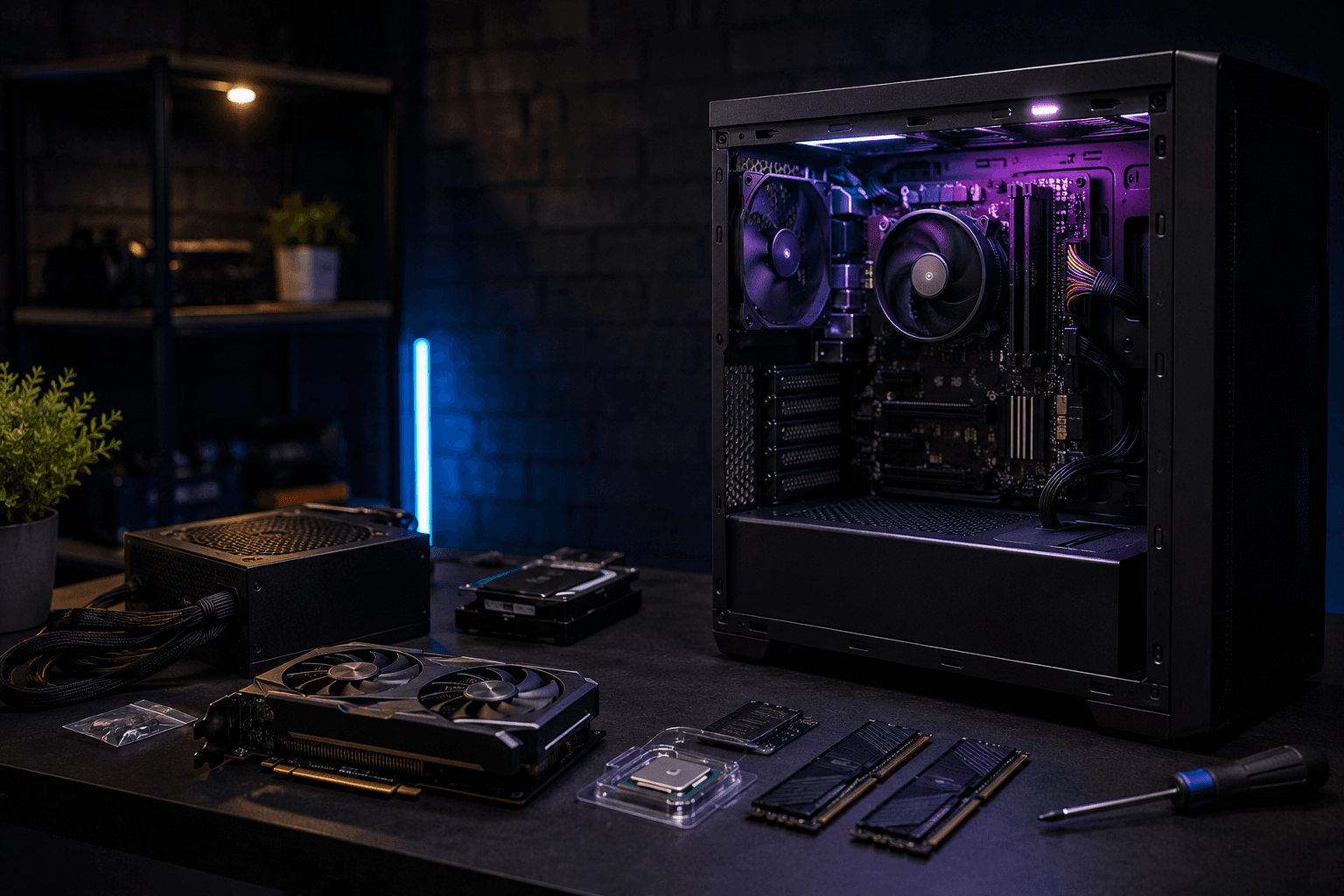
You can build a capable gaming PC for £500 in the UK — but let's not pretend it's easy. RAM prices have climbed this year, entry-level GPUs still aren't cheap, and £500 buys noticeably less than it did eighteen months ago. That said, it's still a realistic budget for a machine that handles 1080p gaming properly, runs esports titles at solid frame rates, and gives you a clear path forward when the money allows.
The short version: expect 1080p at medium-to-high settings in most modern titles, and strong frame rates in esports games like Valorant, CS2, and Fortnite. Ultra settings across the board aren't on the table, and 1440p isn't happening at this budget — but you'll be gaming properly, not struggling.
Here's what that looks like in practice.
What the £500 Budget Actually Gets You
Component costs have shifted. RAM is the main culprit — DDR4 prices have risen partly because AI industry demand is pulling production capacity away from gaming memory. That affects every build at this budget tier, and it's why the maths is tighter than it was a year ago.
Right now, the priority is simple: spend as much as possible on the GPU, keep CPU costs down, and never compromise on the PSU. One pattern I see repeatedly at this budget — people try to future-proof by spending more on the CPU and motherboard, then end up with a weak graphics card. For 1080p gaming, that trade-off is always wrong. A modest CPU paired with a decent GPU will outperform the reverse, consistently.
The Component List
Here's a realistic £500 self-build for 1080p gaming in the UK right now:
→ CPU: AMD Ryzen 5 5600 — approximately £75–85
Six cores, twelve threads, capable single-threaded performance for gaming. The AM4 platform is mature, affordable, and the 5600 includes the Wraith Stealth cooler in the box — so no separate cooling budget needed. It won't hold back any GPU in this price range, and it won't hold back cards considerably above this budget either.
→ Motherboard: B550M (mATX, AM4) — approximately £75–90
Something like the MSI B550M PRO-VDH WiFi or Gigabyte B550M DS3H. B550 gives you PCIe 4.0 for the M.2 slot, decent VRMs for a 65W processor, and built-in WiFi on the right models. There's no reason to spend more at this tier.
→ GPU: RTX 4060 8GB — approximately £230–260 (or used RX 6700 XT for £130–160)
This is where the build holds together or falls apart. The RTX 4060 is the most sensible new card at this budget — it handles 1080p at high settings in most titles, DLSS 3 is genuinely useful in supported games, and it draws around 115W under load which keeps PSU costs down. The 8GB VRAM is worth knowing about; some newer titles and high-resolution texture packs are beginning to push against it, though for 1080p gaming it's adequate in most scenarios.
If you're open to buying used, a second-hand Radeon RX 6700 XT with 12GB VRAM from a reputable eBay seller can be had for £130–160 and significantly outperforms the RTX 4060 in raw rasterisation. The extra VRAM is genuinely useful long-term. Buy from sellers with return policies, stress-test it the day it arrives, and check the fan bearings. Ask about mining use if the listing doesn't mention it.
→ RAM: 16GB DDR4 3200MHz (2x8GB) — approximately £35–45
Not ideal, but necessary at this budget. Dual-channel 16GB is workable for 1080p gaming, though you'll notice the ceiling if you're running Discord, a browser, and a game at the same time. It's the first upgrade to make when another £35–40 becomes available — B550 boards support up to 128GB, so there's plenty of headroom.
→ Storage: 1TB NVMe SSD — approximately £55–70
Skip SATA drives completely. NVMe SSDs cost nearly the same now and load games noticeably faster. The Kingston NV3 and WD Blue SN580 both sit in this range and perform fine for gaming. A 1TB drive fills up quicker than you'd expect given modern game sizes, but it's a workable starting point.
→ PSU: 550W 80+ Bronze — approximately £45–55
The RTX 4060 draws around 115W under load, the Ryzen 5 5600 around 65W. A quality 550W unit from Corsair, be quiet!, or EVGA gives you comfortable headroom. Do not buy a no-name PSU to save £15. A cheap power supply is the component most likely to damage everything else when it fails — and they do fail.
→ Case: Budget mid-tower — approximately £35–50
The Antec NX200M, Kolink Void, or similar budget cases do the job at this price. You won't get great airflow from a £40 case, but with a 65W CPU and a power-efficient GPU, thermals aren't the main concern here. Look for decent front panel layout and room for an extra fan if needed later.
Total: approximately £450–535 depending on deals, timing, and whether you go new or used on the GPU.
That's the honest range. Hitting £500 exactly requires shopping around and catching good deals on RAM or storage. Doable, but not guaranteed on any given day.
What This Build Actually Plays
At 1080p with the RTX 4060, you're looking at:
✓ CS2, Valorant, Fortnite, Rocket League — very high frame rates, well above 144fps on suitable settings. Esports titles are where this build performs most confidently.
✓ GTA V, Minecraft, Warzone — smooth 60–100fps at high settings without much compromise.
✓ Cyberpunk 2077, Hogwarts Legacy, The Witcher 3 — 60fps at high settings is realistic at 1080p. Ultra settings will cause dips. DLSS Quality mode makes a real difference in Cyberpunk specifically.
✓ FIFA, F1, and sports titles — no issues at all. These are relatively light on GPU.
Where things get harder: heavily modded games, open-world titles at high texture settings, and anything that pushes VRAM hard. The 8GB on the RTX 4060 handles most situations fine, but it doesn't carry the same confidence as 12GB when new titles push harder.
The Upgrade Path From Here
One of the main reasons the AM4 platform makes sense at this budget is straightforward upgradability. The Ryzen 5 5600 on a B550 board can accept a far more capable GPU later without changing anything else. An RX 9060 XT or RTX 5060 Ti would slot in without motherboard or memory changes — and that matters when you're starting lean.
The realistic upgrade order for this build:
✓ First: RAM to 32GB DDR4 — around £35–45, immediate benefit during multitasking-heavy sessions.
✓ Second: GPU — when budget allows, stepping up to something in the £300–400 range transforms the experience noticeably. The Ryzen 5 5600 won't be the limiting factor.
✓ Longer-term: platform move to AM5 — not urgent, but when the motherboard eventually needs replacing, moving to AM5 and DDR5 makes sense. Prices on that platform have come down considerably.
If you're thinking about pushing higher-end cards within the next couple of years, it's worth reading up on whether CPU brand actually matters for gaming — AM5 has a longer support roadmap ahead of it than AM4, and that might affect your platform decision.
Common Mistakes at This Budget
Overspending on the CPU. Dropping in a Ryzen 7 instead of a Ryzen 5 at this budget just means less GPU money. At 1080p gaming, the 5600 isn't the bottleneck. A weaker graphics card is.
Paying extra for a modular PSU when a non-modular one is £20 cheaper. Cable management matters more in high-end builds with large cases. In a budget mid-tower, the difference in practice is minimal.
Skipping PSU quality entirely. The opposite trap — spending £20 on a no-brand unit to hit a round number — is a false saving. Corsair, be quiet!, and EVGA are the names to look for. Avoid anything you haven't heard of regardless of the wattage printed on the box.
Buying 8GB of RAM as a single stick. Single-channel 8GB causes genuine performance issues in modern games. Some budget builds and pre-builts list it to hit a price point. It's not acceptable — dual-channel 16GB is the floor.
Not checking PSU clearance in the case. Some budget cases have restricted PSU mounting space. Check the specs before ordering. It's a basic mistake and a frustrating one to discover after delivery.
Should You Build or Buy Pre-Built at £500?
This is a legitimate question at this price point, not a straightforward one. Pre-built gaming systems around £500 occasionally offer genuine value when retailers buy components in bulk — system integrators sometimes access pricing that individual buyers can't match across every part simultaneously.
Compare carefully before deciding either way. If a pre-built includes a better GPU than your self-build budget allows, that's worth considering. If the pre-built is fitted with an unbranded PSU, walk away. Check what PSU is included, whether the RAM is in dual-channel configuration, and what storage is fitted. A lot of pre-builts at this price ship with a single 8GB RAM stick — which immediately costs 15–20% of your performance versus dual-channel. That's not a compromise worth making at any price.
If you'd rather put something together properly from scratch, our build configurator lets you spec it out to your exact budget without the wrong compromises baked in by default.
Frequently Asked Questions
Can you actually build a gaming PC for £500?
Yes, but it requires shopping around. RAM prices have risen and the realistic build range for a solid 1080p machine sits between £450 and £535, depending on deals and whether you go new or used on the GPU.
What GPU should I target for a £500 build?
The RTX 4060 is the strongest new card at this budget, available for around £230–260. For better value per pound, a used Radeon RX 6700 XT at £130–160 from a reputable seller offers more raw performance and 12GB of VRAM. Test it immediately on arrival.
Can this build handle 1440p gaming?
Not comfortably. The RTX 4060 can manage 1440p in lighter titles, but modern AAA games at that resolution will disappoint. Target a GPU upgrade before stepping up to a 1440p display.
Is 16GB of RAM enough for gaming?
For 1080p gaming without heavy background use, yes — just about. If you're running Discord, a browser, and a game launcher at the same time, you'll hit the ceiling. Upgrading to 32GB DDR4 is the first thing to do when a few extra pounds become available.
Nvidia or AMD for this budget?
Both have a case. The RTX 4060 benefits from DLSS 3 in a growing number of supported titles. A used RX 6700 XT delivers more raw performance and more VRAM per pound. Neither is the wrong answer — it depends whether you're buying new or used, and how much the games you play benefit from DLSS specifically.
What PSU wattage do I need?
A quality 550W 80+ Bronze or Gold unit is enough for the Ryzen 5 5600 and RTX 4060. Don't go below 500W, and don't buy unbranded units regardless of the number on the label.
Is this build future-proof?
AM4 won't receive new CPUs going forward, but the GPU slot and overall platform remain entirely relevant for 1080p gaming for the next few years. The GPU swaps out when needed, which is the upgrade that actually matters. True future-proofing at £500 doesn't exist — this is a solid starting point, not a five-year hands-off machine.
Closing Thought
£500 is a genuine constraint, not a comfortable budget. But it still gets you into PC gaming properly — not a console compromise, not a machine that trips over modern titles. Spend in the right order: GPU first, CPU second, never skip on PSU quality, and accept that RAM will want upgrading before long.
Anyone claiming a £500 build runs everything at ultra without trade-offs isn't being straight with you. A machine that handles esports at 144fps, plays most AAA games at 60fps on high settings, and gives you room to grow when the budget does? That's what's actually achievable — and that's enough to get started properly.