What Refresh Rate Monitor Do You Need for Competitive Gaming?
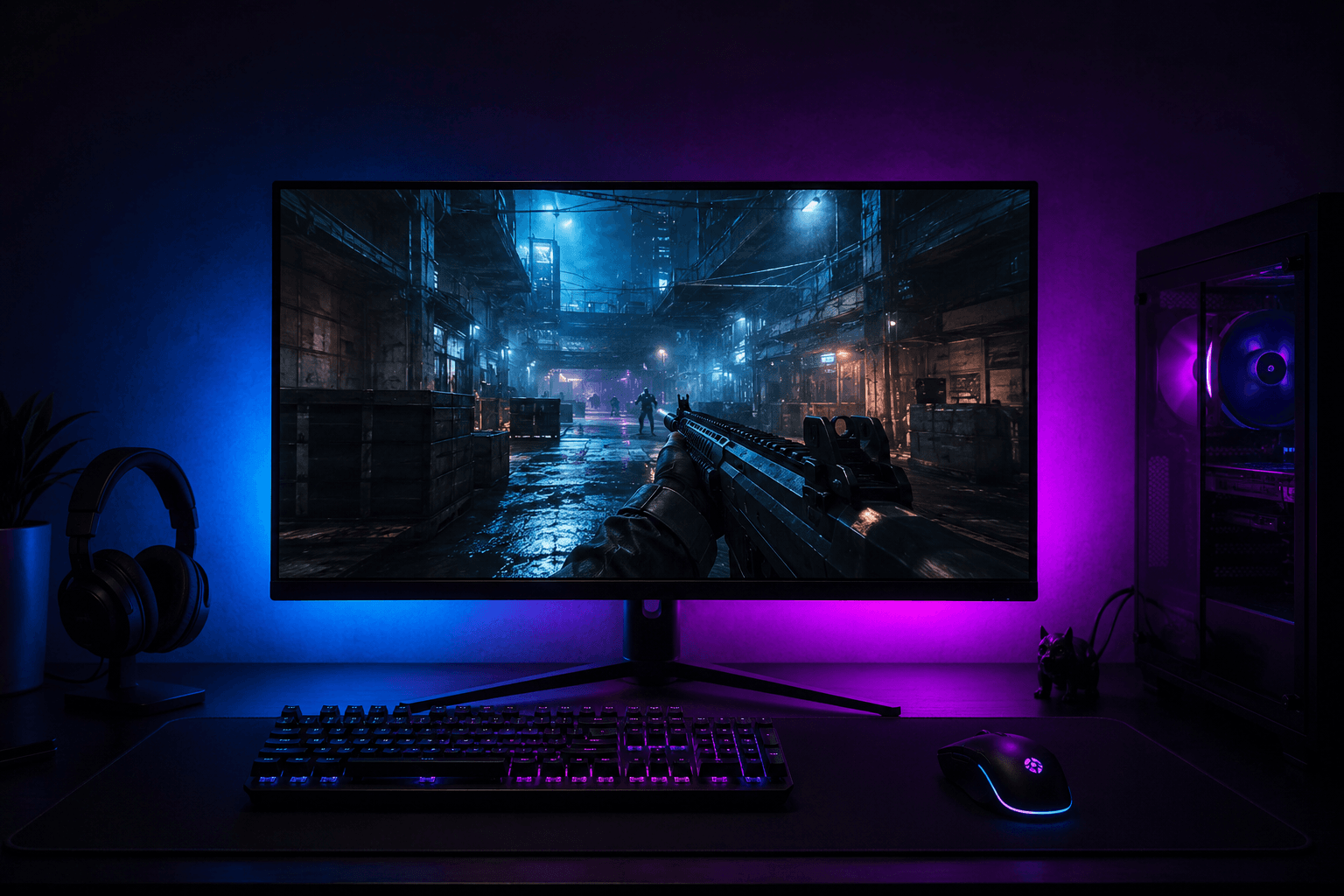
Refresh rate is the single most impactful monitor specification for competitive gaming, and it is one of the areas where spending more genuinely produces a better experience rather than just a better spec sheet. At the same time, it is easy to overspend on a refresh rate your PC cannot actually feed with enough frames to make the difference meaningful.
For competitive gaming, 144Hz is the practical minimum worth targeting in 2026. At 144Hz the improvement over 60Hz is immediately and dramatically noticeable to almost everyone. Moving to 240Hz from 144Hz is a real but more subtle upgrade. Moving beyond 240Hz to 360Hz or higher is a genuine advantage in games played at the very highest level but produces diminishing returns for most players. The right answer depends on what games you play, what your PC can actually output, and where your budget sits.
What Refresh Rate Actually Means
Refresh rate measures how many times per second your monitor updates the image on screen. A 60Hz monitor updates 60 times per second. A 144Hz monitor updates 144 times per second. A 240Hz monitor updates 240 times per second. Higher refresh rates mean more individual frames displayed every second, which makes motion appear smoother and reduces the delay between what your PC renders and what appears on screen.
The key thing to understand is that refresh rate and frame rate work together. If your monitor runs at 144Hz but your PC is only producing 80 frames per second, the monitor can only display those 80 frames. You are not getting 144Hz of visual information, you are getting 80FPS displayed on a 144Hz screen. The monitor cap matters only once your PC is consistently producing frames at or above that rate. This is why knowing what your system can output is just as important as choosing a monitor refresh rate.
The other thing refresh rate affects is input latency. A 144Hz monitor refreshes the screen every 6.94 milliseconds. A 60Hz monitor refreshes every 16.67 milliseconds. That gap between when something happens in game and when it appears on your screen is called display latency, and in fast-paced competitive games it is a genuine factor in how responsive the game feels. Higher refresh rates make aiming, reacting, and tracking feel noticeably more immediate, which is part of why competitive players invest in higher refresh rate monitors regardless of whether they think they can perceive every individual frame.
60Hz vs 144Hz for Competitive Gaming
If you are currently on a 60Hz monitor and have never used a 144Hz display for gaming, the jump is one of the most immediately noticeable upgrades available. It is not subtle. Motion looks dramatically smoother, targets are easier to track during fast movement, and the overall experience feels significantly more responsive. Most people who make this switch report that going back to 60Hz feels unwatchable after even a short period on 144Hz.
This is not placebo. At 60Hz the motion blur produced by moving objects on screen is significant, because each image is held for 16.67 milliseconds before being replaced. During that time fast-moving objects have physically moved on screen, creating visible smearing. At 144Hz each image is held for only 6.94 milliseconds, which dramatically reduces that blur and makes fast-moving targets easier to see and track clearly.
For competitive FPS games like Counter-Strike 2, Valorant, and Apex Legends, the tracking improvement that comes from 144Hz has a direct impact on aim quality. When paired with a well-configured gaming mouse pad and dialled-in sensitivity settings, a 144Hz monitor removes one of the biggest technical disadvantages a competitive player can have.
144Hz is no longer an enthusiast tier specification. Monitors at this refresh rate are available for well under £200 and represent the most impactful single monitor upgrade the majority of gamers can make.
144Hz vs 240Hz: Is the Jump Worth It?
Moving from 144Hz to 240Hz is a real improvement, but it is less dramatic than the jump from 60Hz to 144Hz. At 240Hz each frame is displayed for approximately 4.17 milliseconds, compared to 6.94 milliseconds at 144Hz. That is a meaningful reduction in display latency and motion clarity, but the perceptual difference requires more gaming experience and focus to notice compared to the immediate impact of 144Hz.
For players in games like Counter-Strike 2 or Valorant who are playing at a high competitive level and regularly achieving high frame rates, 240Hz provides a real edge. When both players have similar mechanical skill and game sense, the player who can see and react to motion 2 to 3 milliseconds faster has a small but genuine advantage. At lower skill levels, that advantage is completely overshadowed by other factors and is not worth prioritising over monitor size, panel quality, or overall build quality.
Whether 240Hz is worth buying also depends entirely on what your PC produces. If your system averages 160FPS in your main game, a 240Hz monitor is not giving you 240Hz worth of value. You would be better served ensuring your PC consistently reaches 240FPS before spending the premium on a 240Hz panel. For most builds, this means fast-paced competitive titles with lighter graphical demands rather than visually intensive open world games.
Checking whether your current PC is capable of hitting high frame rates in your main titles is worth doing before buying a high refresh rate monitor. If you are running a mid-range build and wondering whether the hardware is up to it, our article on GPU VRAM for gaming helps clarify what your graphics card needs to handle different scenarios without bottlenecking your frame output.
360Hz and Beyond: Who Actually Needs This?
360Hz monitors exist and are used by professional players in games where extreme frame rates are achievable and every millisecond matters. In Counter-Strike 2, Valorant, and similar titles, frame rates of 300 to 500FPS are achievable on capable hardware in the right system configurations. At those frame rates a 360Hz monitor is actually being fed enough frames to display at close to its full potential.
For everyone outside that bracket, 360Hz is not a meaningful upgrade over 240Hz. The difference between 240Hz and 360Hz is 2.78 milliseconds versus 4.17 milliseconds per frame. This is perceptible under controlled testing conditions but unlikely to affect real gameplay outcomes for players who are not already operating at an extremely high competitive level with hardware capable of sustaining those frame rates consistently.
The price premium on 360Hz monitors is also significant. Spending that premium on a better panel quality, a larger screen, or more consistent build quality at 240Hz will produce a better overall experience for most buyers.
Panel Type and Its Relationship to Refresh Rate
Refresh rate is not the only monitor specification that matters for competitive gaming, and it interacts with panel type in ways worth understanding before buying.
TN panels (Twisted Nematic) were historically the choice for competitive gaming because they offered the fastest response times and the highest refresh rates at the lowest cost. The trade-off is poor colour accuracy and narrow viewing angles. TN monitors at 144Hz and 240Hz are still available and are the cheapest way to reach high refresh rates, but the viewing experience outside of pure competitive gaming is noticeably inferior.
IPS panels (In-Plane Switching) offer excellent colour accuracy, wide viewing angles, and response times that are now fast enough for competitive gaming. Fast IPS technology has closed most of the gap with TN in terms of response time, and IPS monitors are now available at 144Hz, 240Hz, and 360Hz. For most players who want a monitor that serves both competitive gaming and general use, IPS is the right choice.
VA panels (Vertical Alignment) offer the best contrast ratios and deep blacks, which suit cinematic gaming and media consumption. Response times on VA panels are generally slower than IPS and TN, which makes them less suitable for fast-paced competitive titles. VA at high refresh rates exists but the ghosting issues in fast motion scenarios make it a difficult recommendation for competitive play.
For competitive gaming specifically, a fast IPS panel at 144Hz or 240Hz covers most needs well. TN remains valid for pure competitive use on a tight budget. VA is better suited to single-player and casual gaming than competitive titles.
What Your PC Needs to Run High Refresh Rates
This is the part that most monitor buying guides skip over, and it is genuinely important. A 240Hz monitor does not improve your gaming experience if your PC is producing 90FPS. To get the benefit of high refresh rate gaming, you need your system to consistently produce frame rates at or above the monitor's refresh rate in the games you play.
For 144Hz gaming, most mid-range GPUs handle this well in competitive titles. A card in the performance bracket of an RTX 4060 or RX 7600 will reach and sustain 144FPS in Counter-Strike 2, Valorant, Apex Legends, and similar games without difficulty at 1080p. Visually intensive titles like open world games may dip below that, but the genres most associated with competitive play are generally achievable.
For 240Hz gaming, you need more consistent and higher frame output. In competitive games at 1080p, a card like the RTX 4070 or RX 7800 XT can sustain 240FPS in the right titles, but you will need to keep settings at medium to high rather than maximum. If you are considering where GPU performance fits into this picture, our comparison of RTX 4070 vs RTX 4080 covers where the performance gap between those two cards matters most for high frame rate scenarios.
The CPU matters here too, particularly in CPU-limited competitive games at high frame rates. Counter-Strike 2 in particular is well documented as being heavily CPU-dependent at frame rates above 200FPS. A fast modern CPU from Intel or AMD's current generation is worth prioritising if 240Hz competitive gaming is the goal.
Refresh Rate and Budget: Where to Spend
Getting the balance right between monitor refresh rate and the rest of your setup budget matters. Here is a practical breakdown of where the money goes and what you actually get:
Under £150
✓ 144Hz IPS monitors from AOC, Acer, and Philips are available here
✓ Resolution will be 1080p at this price, which is appropriate for 144Hz competitive gaming
✓ Build quality is functional rather than impressive but the panel performance is legitimate
✓ This is the right choice if budget is tight and you are prioritising refresh rate over everything else
£150 to £250
✓ The strongest value range for competitive gaming monitors
✓ 144Hz and 240Hz IPS options are both available here
✓ Better build quality, ergonomic stands, and more consistent panels
✓ 1080p at 240Hz or 1440p at 144Hz are both achievable at this price
£250 to £400
✓ 240Hz at 1440p becomes available here
✓ Panel quality, response time consistency, and build quality all improve noticeably
✓ Worth targeting if your PC can sustain 240FPS in your main titles at 1440p
Above £400
✓ 360Hz panels, OLED gaming monitors, and premium 1440p 240Hz options
✓ Genuine performance benefits for competitive players at the highest level
✓ Diminishing returns are significant at this price for anyone not gaming at a high competitive level
Refresh Rate in Context: The Full Competitive Setup
A high refresh rate monitor works best as part of a complete setup rather than a single upgrade bolted onto an underpowered system. If your PC is consistently hitting the frame rates your monitor can display, your mouse settings are dialled in, and your peripherals are not introducing additional inconsistency, the monitor becomes the final piece that makes everything else feel as responsive as it should.
If you are still deciding on the overall budget for a gaming PC and peripherals and wondering what tier of system makes 144Hz or 240Hz gaming genuinely achievable, our breakdown of a £700 gaming PC covers what that budget realistically delivers in terms of frame output across different game types.
Monitor refresh rate is also connected to whether your case and cooling setup can sustain the performance needed. A system that throttles under sustained load will drop frame rates and undermine the investment in a high refresh rate panel. Thermal headroom matters more than most buyers expect when the goal is consistent high frame rate output.
Frequently Asked Questions
What refresh rate do I need for competitive gaming?
144Hz is the practical minimum for competitive gaming in 2026. The jump from 60Hz to 144Hz is immediately noticeable and makes a meaningful difference to how games feel. 240Hz is worth targeting if your PC can consistently produce 200FPS or more in your main titles and you play at a higher competitive level.
Is 144Hz good enough for FPS games?
Yes, for the vast majority of players. 144Hz removes the most significant disadvantage of playing on 60Hz and represents a meaningful competitive improvement. Going to 240Hz from there is a real but more subtle upgrade that matters most to players already performing at a high level.
Do I need 240Hz for Counter-Strike 2?
At a casual to mid-competitive level, 144Hz is sufficient and the difference to 240Hz will not be the factor determining your performance. At a high competitive level where you are consistently hitting 200FPS or more, 240Hz provides a genuine advantage in target clarity and display latency.
Does refresh rate affect aim?
Yes. Higher refresh rates reduce display latency and motion blur, making fast-moving targets easier to see and track clearly. This directly affects how accurately you can aim at moving targets. The difference between 60Hz and 144Hz is substantial. The difference between 144Hz and 240Hz is real but more subtle.
What panel type is best for competitive gaming?
Fast IPS panels are the best all-round choice for competitive gaming in 2026. They offer excellent response times, good colour accuracy, and wide viewing angles. TN panels remain valid for the lowest price access to high refresh rates but are noticeably inferior for general use. VA panels are not recommended for fast-paced competitive titles due to slower response times.
Does my GPU affect refresh rate?
Your GPU determines the frame rate your system produces. A monitor's refresh rate is a ceiling, not a guarantee. If your GPU produces 90FPS, a 240Hz monitor will display 90 frames per second, not 240. You need your PC to consistently produce frames at or near the monitor's refresh rate to get the full benefit.
Is 1080p or 1440p better for competitive gaming?
1080p is easier to run at high frame rates and is the standard resolution for competitive gaming at the highest level. 1440p offers sharper visuals and becomes worthwhile once you have a system capable of sustaining high frame rates at that resolution. For budget-focused competitive setups, 1080p at 144Hz or 240Hz is the right priority.
Final Thought
Refresh rate is one of the monitor specifications that genuinely changes the competitive gaming experience rather than just looking better on a product page. Getting to 144Hz is the most impactful single monitor upgrade most players can make. Getting to 240Hz is worth it once your PC is consistently producing the frame rates to support it. Everything above that is real but increasingly specific to players at the highest competitive level. Match your monitor to what your PC can actually deliver and you will get far more value from the purchase than chasing a higher number your hardware cannot feed.