Should You Buy a Prebuilt Gaming PC or Build Your Own?
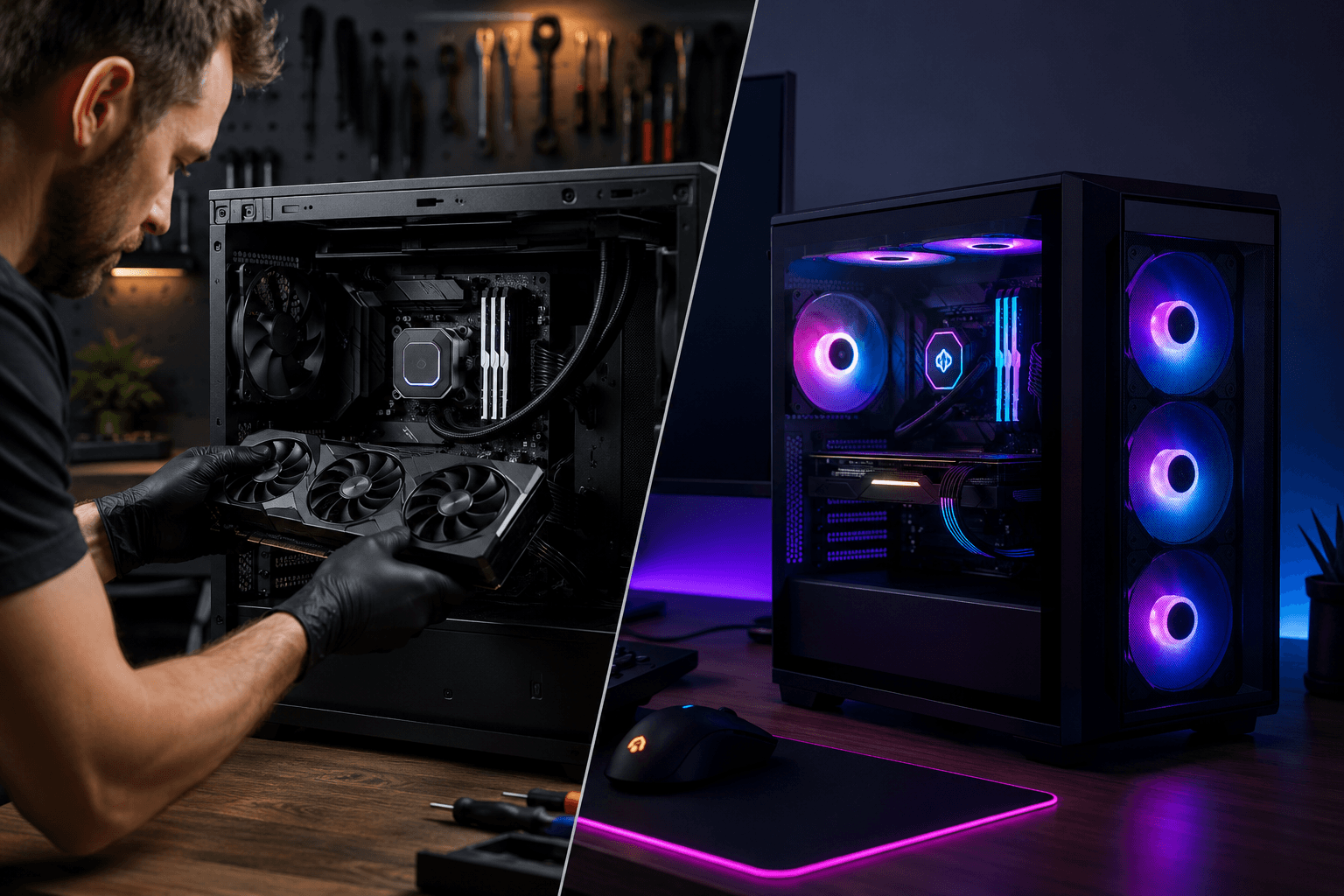
If you're trying to decide between a prebuilt gaming PC and building your own, the honest answer is: it depends on what you actually value. Building your own gives you more control, better component quality, and often better long-term value. Buying a prebuilt saves time, comes ready to use, and is increasingly competitive on price — especially at the budget end of the market.
Neither option is universally better. The right choice comes down to your budget, your time, your confidence with hardware, and what you plan to do with the machine.
What You're Actually Comparing
The prebuilt vs build-your-own debate used to have a pretty clear answer: build your own, every time. The component quality was better, the price-to-performance was stronger, and you knew exactly what was inside the machine.
That's still broadly true, but the gap has narrowed. The GPU shortage years pushed a lot of people towards prebuilts out of necessity, and manufacturers learned to compete. Some prebuilts now offer genuine value — particularly at the £600–£900 range where sourcing individual parts can sometimes cost more than a bundled system.
The catch is consistency. One prebuilt model at £799 might be excellent value with a solid GPU and name-brand RAM. Another at the same price might have a proprietary motherboard, a no-name PSU, and 8GB of RAM that needs replacing before the machine is even worth gaming on. Without knowing what to look for, it's easy to buy the wrong one.
The Case for Building Your Own
Building your own gaming rig is still the better route for most people who have the time to learn and the patience to put it together. Here's why.
You choose every component. When you build yourself, you decide what goes where. You're not hoping the manufacturer chose decent RAM or a reliable PSU — you pick those parts yourself. That control matters more than most people realise, especially for long-term reliability.
Better upgrade paths. Many prebuilts use non-standard form factor cases, proprietary motherboards, or odd PSU connectors that make future upgrades unnecessarily difficult. A system you build yourself, using a standard ATX or micro-ATX layout, will be far easier to upgrade in two or three years.
You understand the machine. This one sounds basic, but it's genuinely valuable. When something goes wrong — and at some point, something always does — knowing how your system is put together makes diagnosing the problem much easier. People who've built their own PC are significantly better placed to troubleshoot faults without needing outside help.
The learning experience has real value. Building a PC once gives you knowledge that applies for years. You'll understand what a CPU cooler does, why PSU wattage matters, how airflow affects temperatures, and where the money should actually go in a build. That knowledge pays dividends every time you upgrade or buy components in the future.
The process itself is more manageable than most people expect. A confident first-timer can have a machine up and running in an afternoon.
The Case for Buying a Prebuilt
Prebuilts get a worse reputation than they deserve in some corners of the internet. For a certain type of buyer, they make a lot of sense.
You get a working machine immediately. No waiting for parts, no reading compatibility guides, no troubleshooting POST errors at 11pm. You plug it in, boot it up, and start using it. For someone who needs a machine quickly — or simply has no interest in the assembly process — that convenience is genuinely worth something.
Warranty and support are simpler. With a prebuilt, there's one company responsible for the whole system. You don't have to figure out whether a fault lies with the CPU, the motherboard, or the RAM, or deal with separate warranties from four different manufacturers. That single point of contact matters, especially for less experienced users.
Some prebuilts genuinely compete on price. At certain price points, particularly in the sub-£700 range, a prebuilt can come close to matching what you'd spend on equivalent individual components — once you factor in Windows, a case, and any accessories. The maths doesn't always favour building, especially when component prices fluctuate.
Risk is lower for complete beginners. If you've never handled PC hardware and the idea of it makes you nervous, a prebuilt removes the risk of damaging something during assembly. Some people simply aren't comfortable with the hands-on element, and that's fine.
Where Prebuilts Often Fall Short
Even if you're leaning towards a prebuilt, there are a few things worth knowing before you buy.
PSU quality is a common weak point. Budget prebuilts frequently use unbranded or low-efficiency power supplies. I've seen systems come in for upgrades where the PSU was the limiting factor — not because of wattage, but because of build quality. A poor PSU can cause instability, throttling, or component damage down the line.
RAM is often under-specced. It's common for prebuilts to ship with 8GB or 16GB of RAM running at stock speeds, sometimes not even in dual-channel configuration. Manufacturers cut costs quietly here because it's not a headline specification. Check the RAM before you buy — 16GB in dual-channel at 3200MHz or higher should be the minimum for gaming in 2026.
Proprietary parts limit future upgrades. Some manufacturers, particularly at the budget end, use motherboards that only accept their own PSUs or cases with non-standard layouts. If you plan to upgrade the GPU in two years, check whether the chassis and PSU will actually support it.
You may not know exactly what's inside. Prebuilt listings sometimes list component categories without specifying brands. "16GB DDR5 RAM" could be quality branded kit or unbranded value stock. If the listing doesn't specify, ask — or check independent reviews of that exact model. Our guide to what to look for in gaming monitors under £200 follows the same logic: the headline spec doesn't always tell the full story.
The Cost Question
On paper, building your own is often cheaper for equivalent performance. In practice, the gap is smaller than it used to be.
At the £800–£1,000 mark, a well-specced prebuilt and a carefully sourced self-build will often come out within £50–£100 of each other in terms of what's actually inside. Once you add Windows to a self-build (which many people forget to budget for), the cost difference narrows further.
Where self-builds pull ahead is at the higher end of the budget and in component selection quality. Spending £1,200–£1,500 on a self-build lets you allocate your money exactly where it matters — putting more into the GPU and less into unnecessary RGB or a glass-panel case you didn't ask for.
Where prebuilts pull ahead is in pure convenience and in avoiding assembly mistakes that can cost money to fix.
Who Should Build Their Own?
Building your own gaming desktop makes most sense if:
✓ You want full control over component quality
✓ You plan to upgrade regularly over the next few years
✓ You're willing to spend a few hours on assembly and research
✓ You're building above the £900 mark where the value advantage is clearest
✓ You want to understand what's inside your machine
If you're unsure where to start, our complete guide to building your first gaming PC walks through the whole process step by step.
Who Should Buy a Prebuilt?
A prebuilt gaming system is the better choice if:
✓ You need a working machine now, without a project
✓ You're not confident handling PC hardware and don't want to learn
✓ You're buying for someone else who won't be upgrading
✓ You've found a specific prebuilt model that passes scrutiny on components and value
✓ Budget is tight and a particular prebuilt is genuinely competitive on specs
A Practical Middle Ground: Custom Builds Without the DIY
There's a third option that often gets overlooked: ordering a custom-built machine from a specialist rather than buying an off-the-shelf prebuilt or assembling everything yourself. You get component transparency, a properly assembled system, and support from people who actually know what they've put together.
If that route appeals, you can configure your own system using our build tool and spec it to your exact budget.
Don't Forget the Peripherals
Whichever route you go, the PC itself is only part of the setup. A keyboard, mouse, headset, and monitor all make a significant difference to the experience, and it's easy to spend a lot of money here without much benefit. If you're sorting out your peripherals at the same time, our gaming peripherals guide covering keyboards, mice, and headsets covers what's actually worth spending on.
Common Mistakes to Avoid
One mistake I see regularly is people buying a prebuilt, being unhappy with performance, and then trying to upgrade a machine that wasn't designed to be upgraded. You end up spending money on a GPU that the PSU can't properly support, or a CPU upgrade the motherboard won't take. If upgradability is important to you, factor that in before you buy — not after.
On the self-build side, the most common mistake is over-spending on motherboard and case at the expense of the GPU. The GPU is the single most important component for gaming performance. A flashy case with RGB fans does nothing for frame rates.
Also worth knowing: ATX and micro-ATX motherboards differ in more than just physical size — the form factor affects what you can fit in the case, how many expansion slots you have, and your future upgrade options.
Frequently Asked Questions
Is it cheaper to build your own gaming PC or buy a prebuilt?
In most cases, building your own is cheaper for equivalent performance — particularly above the £900 mark. Below that, some prebuilts are competitively priced, though component quality can vary. Always account for Windows in your self-build budget.
Are prebuilt gaming PCs worth buying in 2026?
Some are, yes. Quality has improved at the mid-range, and there are prebuilts in the £700–£900 bracket that offer solid value. The key is knowing what to check inside the machine — RAM spec, PSU brand, and motherboard form factor matter more than the headline GPU.
How long does it take to build your own gaming PC?
Most first-time builders can put a machine together in three to five hours, including cable management. Research and component selection takes longer — probably a weekend's worth of reading — but the actual build is manageable for anyone willing to follow a guide carefully.
Can you upgrade a prebuilt gaming PC later?
It depends on the machine. Many prebuilts use standard components and can be upgraded without issue. Others use proprietary PSUs or non-standard cases that make upgrades complicated or impossible. Check the specifications before you buy if upgrading is part of the plan.
What's the biggest risk with building your own PC?
Making a compatibility mistake or damaging a component during assembly, though both are uncommon if you do your research first. Buying a modular PSU makes cable management easier and reduces the risk of connection errors.
Do prebuilt gaming PCs come with Windows?
Most do, yes. That's worth factoring into the cost comparison with a self-build, where Windows is an additional expense unless you're using an existing licence.
What GPU should I expect in a mid-range prebuilt or self-build?
At the £800–£1,000 range in 2026, an RTX 4070 or equivalent AMD card is a reasonable benchmark for solid 1080p and capable 1440p gaming. If a prebuilt at that price is shipping with something significantly weaker, the rest of the specification needs to justify it.
Final Thought
There's no single right answer here — which is actually reassuring, because it means you're not going to make a catastrophically wrong decision either way. Building your own gives you more knowledge, more control, and usually better long-term value. Buying a prebuilt gives you speed, simplicity, and a single warranty to deal with if something goes wrong.
The mistake to avoid is making the decision based on headline specs alone. Whether you're buying or building, knowing what's inside the machine — and why it matters — is what separates a good decision from an expensive regret.