Keyboard, Mouse, Headset: What Should You Actually Spend on Gaming Peripherals?
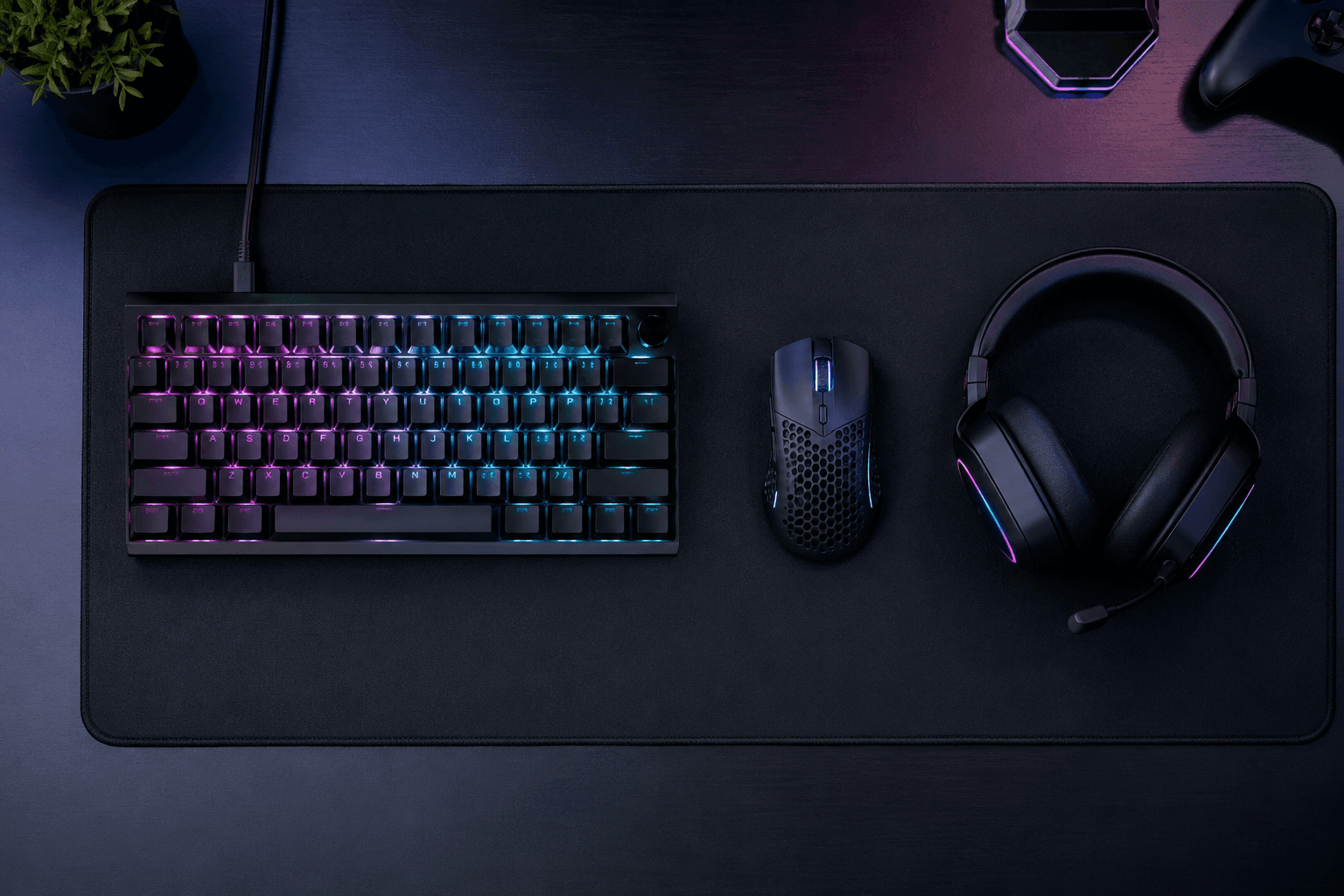
Once the PC is built and the monitor is sorted, the next question people get wrong more often than they get right is peripherals. Walk into any major retailer and the gaming section is a wall of aggressive branding, RGB lighting, and four-figure headsets promising pro-level performance. Most of it is marketing.
The honest reality: peripherals matter, but not equally, and not in the way the marketing suggests. A £150 mechanical keyboard will not make you better at games than a £40 one. A £35 gaming mouse with a good sensor is functionally indistinguishable from a £120 one in most real-world use. A good headset, on the other hand, can meaningfully change how you play — particularly in games where audio positioning carries information.
This article breaks down each category honestly: what you actually need, where spending more makes a tangible difference, and where you're just buying a brand name and a lighting effect.
The Peripheral Priority Order
Before getting into specific categories, this matters: if your budget is limited, there's an order to spend in.
Mouse first. It's the peripheral you interact with most directly and constantly. A poor sensor, heavy cable drag, or badly shaped shell affects every game session. This is where peripheral budget is best spent early.
Headset second — if you play anything where audio positioning matters (shooters, horror games, open-world titles). If you play mostly turn-based or casual games and don't use voice chat, this drops lower.
Keyboard third. For gaming specifically, keyboard quality matters less than most people assume. Any keyboard that registers inputs without ghosting and doesn't introduce noticeable delay is adequate. The preference for mechanical switches is real but not performance-critical.
Mousepad last. Often forgotten, genuinely useful — a consistent surface improves sensor tracking noticeably. Also the cheapest upgrade on the list.
This matches the broader logic of building a setup: the display is the most important purchase (as covered in the gaming monitor guide), followed by the peripherals you actually touch and hear.
Gaming Mouse: Where the Money Is Worth Spending
The mouse is the peripheral that most directly affects your performance in games. Input precision, sensor accuracy, and physical comfort all matter here in ways they simply don't for keyboards at most skill levels.
The good news: the sensor quality gap between budget and mid-range mice has largely closed. In 2026, a £25–40 mouse from a reputable brand will have a sensor that performs identically to one in a £100+ mouse for the vast majority of players. What you're paying for at the top end is build quality, wireless technology, weight reduction, and specific ergonomic features — not sensor accuracy.
→ Logitech G203 — approximately £22–28
The G203 has been the default budget mouse recommendation for years and still earns that position in 2026. Logitech's optical sensor is accurate and consistent, six programmable buttons cover every gaming need, and the lightweight symmetrical shell works for most grip styles. It's wired, which eliminates battery anxiety and keeps latency to zero. For anyone building their first gaming setup or coming from a basic office mouse, this is the right first mouse.
→ Logitech G305 LIGHTSPEED — approximately £35–42
If wireless matters to you — cleaner desk, freedom of movement — the G305 is the most sensible budget wireless gaming mouse. The HERO sensor is the same class of sensor used in far more expensive Logitech mice, and the 250-hour battery life on a single AA battery is genuinely impressive. It's slightly heavier than some competitors, but for the price and wireless performance, it's the benchmark for budget wireless gaming mice.
→ Razer DeathAdder Essential / Basilisk Essential — approximately £25–38
Razer's entry-level mice are a reliable step up in build quality from ultra-budget options. The DeathAdder shape is one of the most ergonomically validated designs in the category — comfortable for palm and claw grip, well-suited to longer sessions. The sensor performs well and the build quality is noticeably more confidence-inspiring than no-name alternatives at similar prices.
Where spending more genuinely matters: If you play FPS games seriously and are already at a level where mouse control is a conscious focus, stepping to something like the Logitech G Pro Superlight 2 (~£130) gives you a meaningfully lighter mouse (60g) that can reduce fatigue over long sessions. For casual and mid-tier players, this is a luxury, not a performance necessity. Don't buy a £130 mouse to play Minecraft.
What to avoid: No-name mice from unknown brands advertising "16000 DPI" and 9 buttons for £12. DPI is not a performance metric. What matters is sensor linearity and build quality, neither of which is reliably present in sub-£15 mice.
Gaming Keyboard: Where the Money Matters Less Than You Think
The keyboard is the peripheral where the difference between budget and premium matters least for gaming performance — and most for typing comfort and satisfaction.
Mechanical switches are genuinely better than membrane keyboards for gaming. The tactile or audible feedback makes inputs feel more deliberate, the actuation consistency is higher, and the longevity of mechanical switches measured in keystrokes is significantly greater. But once you're past the membrane-to-mechanical threshold, the performance gains from spending more on a keyboard are largely about typing feel and aesthetics rather than gaming capability.
→ Redragon K552 (TKL) — approximately £30–40
The Redragon K552 is the entry point that makes the most sense for gaming. Tenkeyless layout, Outemu mechanical switches, solid aluminium and ABS construction, splash resistance, and anti-ghosting. It's not a quiet keyboard — the Outemu switches are clicky — but it feels and functions dramatically better than any membrane board at a similar price. For anyone who hasn't used a mechanical keyboard before, this will be a noticeable step up.
→ AULA WIN60 HE — approximately £45–55
This is where the keyboard market has had its quiet revolution. Hall Effect switches with Rapid Trigger support used to cost serious money. The AULA WIN60 HE brings magnetic Hall Effect switches, adjustable actuation points, 8K polling rate, and Rapid Trigger implementation for around £50. For competitive FPS gaming specifically — CS2, Valorant, Apex Legends — Rapid Trigger makes counter-strafing feel noticeably snappier because the key resets the instant you lift your finger rather than waiting for a fixed reset point. At this price, the spec sheet is genuinely impressive.
→ Keychron K2 / K3 HE variants — approximately £65–95
If you want something that feels premium, works equally well for typing and gaming, and is built to last years rather than months, the Keychron line is the most sensible choice. The Hot-swappable switches mean you can change switch feel later without buying a new board. Build quality is a noticeable step up from the Redragon and AULA options. The 75% layout hits a sweet spot between compact and functional.
Where spending more genuinely matters: Ergonomics for typing-heavy users. If you're a developer, writer, or someone who types for hours daily alongside gaming, investing in a better keyboard has a clearer case. For gaming-only use, the performance ceiling is hit comfortably at around £40–55.
Full-size vs tenkeyless: For gaming, tenkeyless (TKL) is almost always preferable. The numpad removal moves your mouse hand closer to the keyboard, reducing the distance your arm travels during play. On a desk where mouse space is limited, this makes a meaningful difference. Only keep the numpad if you use it regularly for data entry or other productivity tasks.
Gaming Headset: Where the Money Does Make a Difference
Audio in gaming is underrated. In shooters, the ability to hear footsteps directionally, pick up audio cues, and understand voice chat clearly is information that directly affects gameplay. A poor headset doesn't just sound worse — it withholds information that a better one would give you.
That said, you don't need to spend £150 to get a headset that performs well. The £35–60 tier has some genuinely capable options.
→ Razer BlackShark V2 X — approximately £33–40
The BlackShark V2 X is the most recommended sub-£40 headset for a reason. The 50mm TriForce drivers tuned for gaming audio, a cardioid microphone that actually rejects background noise, and noise-isolating earcups make this perform well above its price. The 3.5mm connection means it works with every platform without dongles. The build is mostly plastic but doesn't feel cheap, and the memory foam earcups are comfortable for multi-hour sessions. For a first gaming headset on a limited budget, this is the starting point.
→ HyperX Cloud II — approximately £52–60
The HyperX Cloud II has held its position in recommendations for years because the fundamentals are genuinely good. A steel-reinforced headband, leatherette memory foam earcups, 53mm drivers with strong bass response, and a detachable microphone that teammates can actually hear clearly. USB and 3.5mm connectivity, virtual 7.1 surround through the USB sound card adapter included in the box. At around £55 in the UK, it offers more consistent build quality and audio performance than most alternatives at the same price. If you want something that will last and sounds reliably good, this is the safe pick.
→ Logitech G435 LIGHTSPEED — approximately £50–65
If wireless is a priority and the budget allows, the G435 is the most sensible budget wireless gaming headset in the UK right now. LIGHTSPEED wireless connectivity with low-latency Bluetooth as a secondary option, 18-hour battery life, and a genuinely lightweight 165g build. The onboard microphones (no boom mic) are adequate for casual voice chat but don't match a dedicated cardioid mic for competitive clarity. For casual gaming and anyone who finds cables frustrating, this is a strong option.
→ Logitech G733 LIGHTSPEED — approximately £85–100
If the budget stretches to around £100, the G733 represents a meaningful step up in wireless headset quality. Blue VO!CE microphone processing gives real-time noise filtering and voice enhancement through Logitech software — the mic quality is genuinely good, not "good for the price" good. The suspension headband distributes weight differently from padded headbands, which reduces pressure on the top of the head over long sessions. For daily gaming over multiple hours, the comfort improvement is real.
The virtual 7.1 surround conversation: Headset packaging is covered in "7.1 surround sound" claims. True surround sound requires multiple drivers per ear cup, which doesn't exist in consumer gaming headsets at any price. What you're getting is virtual surround processing — software that simulates directional audio from a stereo signal. Some implementations are useful; many are not. In competitive FPS games, a good stereo signal with a well-designed soundstage often gives better directional information than poor virtual surround processing. Don't make this a purchasing criterion.
The Mousepad: Overlooked, Genuinely Useful
A quality mousepad is consistently underestimated. Running a gaming mouse on a rough desk, glass, or a mismatched surface introduces sensor jitter that no DPI setting corrects. A consistent cloth surface gives the sensor something reliable to work with, and it makes a perceptible difference in fine aiming precision.
→ SteelSeries QcK Medium — approximately £10–15
The QcK has been a standard recommendation in gaming peripherals for over a decade. Cloth surface, good sensor tracking, machine-washable, and available in sizes from compact to desk-filling. There's no reason to spend more than this on a mousepad unless you specifically want a larger surface or a hard pad.
Large format pads (80cm+) are worth the slight extra cost if desk space allows — you're less likely to run out of room mid-swipe in low-sensitivity gaming.
Total Budget Guidance
Here's what a sensible peripheral setup costs at different tiers:
→ Entry (under £80 total)
-
Mouse: Logitech G203 (~£25)
-
Keyboard: Redragon K552 (~£35)
-
Headset: Razer BlackShark V2 X (~£35)
-
Mousepad: SteelSeries QcK (~£10)
→ Mid-range (£120–160 total)
-
Mouse: Logitech G305 LIGHTSPEED (~£40)
-
Keyboard: AULA WIN60 HE (~£50)
-
Headset: HyperX Cloud II (~£55)
-
Mousepad: SteelSeries QcK Large (~£15)
→ Upper-budget (£200–250 total)
-
Mouse: Razer DeathAdder V3 or Logitech G Pro Superlight (~£80–130)
-
Keyboard: Keychron K2 HE (~£90)
-
Headset: Logitech G733 LIGHTSPEED (~£95)
-
Mousepad: Large cloth pad (~£15)
The entry tier covers every functional need for gaming. The mid-range tier adds wireless mouse freedom, competitive keyboard tech, and a durably-built headset. The upper-budget tier is where comfort and build quality improve substantially over time — relevant if you're gaming for hours daily.
If you've just finished building a £500 gaming PC or a £700 rig, the entry-to-mid peripheral tier is the right match. Spending £200 on peripherals to pair with a £500 PC isn't a reasonable allocation.
What You Don't Need
RGB on everything. RGB lighting adds zero gaming performance. It adds cost, and occasionally battery drain on wireless peripherals. Buy it if you like how it looks; don't pay a premium for it as a functional feature.
"Pro-grade" in the product name. Marketing language. The Logitech G203 uses essentially the same sensor class as the G Pro Superlight. The difference is weight, cable, and build refinement — not sensor performance.
Wrist rests on your mousepad. Unless you have a specific ergonomic issue, wrist rests for gaming tend to cause more wrist problems than they solve by encouraging wrist pivoting rather than arm movement for mouse control.
USB hubs built into keyboards. Sounds useful, almost never used.
Dedicated sound cards for headset audio. In 2026, the onboard audio on any B550 or B650 motherboard is more than adequate for gaming headsets. Spending £60 on a dedicated USB DAC/amp to drive a £50 gaming headset doesn't make sense.
Frequently Asked Questions
What gaming peripherals should I buy first?
Mouse, then headset if you play audio-dependent games, then keyboard. A quality mouse makes an immediate difference in feel and control. Keyboard and headset preferences are more personal, so those are worth experiencing at the entry tier before spending more.
Is a mechanical keyboard worth it for gaming?
Yes — but only the switch from membrane to mechanical, not from budget mechanical to premium mechanical. The tactile or audible feedback and switch consistency makes gaming feel better. Paying £150 for a keyboard over £40 doesn't meaningfully improve gaming performance.
Does DPI matter on a gaming mouse?
Not the way marketing implies. Most competitive players use 400–1600 DPI — nowhere near the 8000+ DPI advertised on budget mice. What matters is sensor linearity and accuracy, which good sensors from Logitech, Razer, and SteelSeries all provide at the £25–45 tier.
Wired or wireless gaming mouse?
Both are genuinely viable in 2026. Wired eliminates battery management and keeps cost down. Quality wireless gaming mice (G305, G Pro Superlight) have latency that's indistinguishable from wired in practice. If a clean desk matters to you or you move your mouse around, wireless is a reasonable choice at the G305's price point.
How much should I spend on a gaming headset?
The sweet spot is £35–60. The Razer BlackShark V2 X and HyperX Cloud II both deliver audio that serves competitive and casual gaming well. Spending more gets you wireless convenience and better mic processing — genuine benefits, but not game-changing for most players.
Do I need a gaming-specific mousepad?
Not gaming-specific, but a quality cloth surface makes a real difference over a bare desk or random mat. The SteelSeries QcK is the standard recommendation for a reason. Spend £10–15 and don't think about it again.
Can I use a regular keyboard for gaming?
Yes, but mechanical feels better and registers inputs more consistently. Any keyboard without n-key rollover or anti-ghosting can drop inputs when multiple keys are held simultaneously — worth checking if you use a standard office keyboard.
Getting Help with Your Setup
If you're not sure which peripherals make sense for the games you play or the build you're putting together, the best approach is to match them to what you're actually doing — not to buy the most expensive version of each category. If you want a recommendation matched to your specific setup, reach out through our contact page and we'll give you an honest steer.
Most of the peripheral buying mistakes we see come from treating the mouse, keyboard, and headset as afterthoughts after the PC is built. With the monitor covered (the display guide has that sorted), peripherals are the next layer that makes the setup feel complete. Get the mouse right first — everything else follows from there.