How Much Does a Gaming PC Cost?
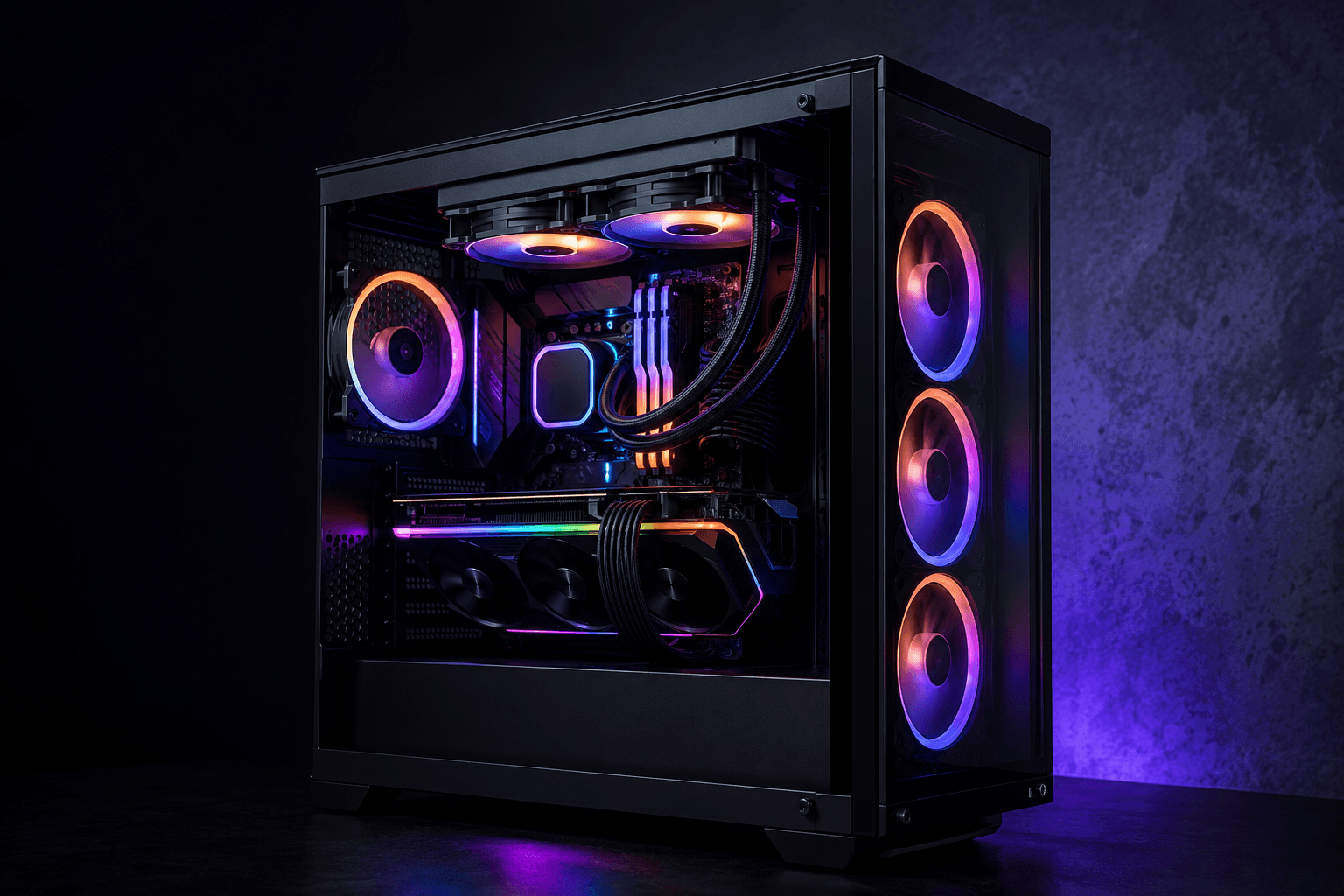
A gaming PC in the UK typically costs between £500 and £1,500, depending on what resolution you want to play at and how long you want the build to last. Entry-level systems capable of 1080p gaming start around £450–£550. A solid 1440p build lands somewhere between £900 and £1,200. Pushing into 4K territory or high-refresh esports setups usually starts at £1,500 and climbs quickly from there.
Those are the honest starting points — but the full picture is more nuanced, because budget and performance don't follow a straight line. There are price brackets where you get tremendous value, and others where you're paying a significant premium for a relatively small step up. Knowing which is which makes a real difference when you're planning a build.
What Does a Gaming PC Actually Include?
Before getting into numbers, it's worth clarifying what you're actually buying when people quote a gaming PC price. A gaming PC in the traditional sense refers to the tower — the case, processor, graphics card, RAM, storage, motherboard, and power supply. Peripherals like a monitor, keyboard, mouse, and headset are separate costs that most price estimates don't include.
This distinction matters because the peripheral side can easily add another £200–£500 to your overall spend, particularly if you need a decent monitor. If you're budgeting from scratch with no existing equipment, factor that in from the start rather than treating the PC as the only expense.
Budget Gaming PC: £400–£700
This bracket is where most first-time builders start, and it's more capable than people expect — provided you're realistic about what it can deliver. At £450–£550, you can put together a system that handles 1080p gaming at medium-to-high settings in most titles. Popular competitive games like Fortnite, Valorant, CS2, and Rocket League run excellently at this budget. The more visually demanding AAA titles will need some settings adjustments to stay smooth.
Common component choices at this level include processors like the AMD Ryzen 5 5600 or Intel Core i3-12100F paired with a graphics card in the GTX 1660 Super or RX 6600 range. DDR4 RAM and a mid-range B-series motherboard round things out without unnecessary spend. Storage-wise, a 500GB or 1TB NVMe SSD covers most people comfortably.
One mistake I see regularly in this bracket is overspending on the motherboard and CPU while cutting too hard on the graphics card. The GPU drives gaming performance far more than the processor for the vast majority of titles. A £120 processor paired with a £220 graphics card will outperform the inverse combination in almost every gaming scenario.
The weaknesses at this budget are thermal performance and longevity. Cheaper cases often compromise on airflow. PSU quality can be questionable from builders cutting corners. And there's limited headroom to upgrade without replacing multiple components fairly soon. If you're shopping for a pre-built at this price point, it's worth reading about the differences between a custom build and a retail pre-built system — the cost-per-performance gap is often significant.
Mid-Range Gaming PC: £700–£1,200
This is the sweet spot for most UK gamers and where the value proposition becomes genuinely strong. At £800–£1,000, you can build a system capable of 1080p gaming at maximum settings and comfortable 1440p gaming at high settings. The step up from budget to mid-range also tends to bring better long-term reliability — quality PSUs, better thermal management, and components with more upgrade runway.
For a solid £1000 build, typical specs look something like this:
→ CPU: AMD Ryzen 5 7600 or Intel Core i5-13600K
→ GPU: NVIDIA RTX 4060 or AMD RX 7600 XT
→ RAM: 32GB DDR5 6000MHz
→ Storage: 1TB NVMe SSD
→ Motherboard: B650 or B760 depending on platform
→ PSU: 650W–750W 80+ Gold
→ Case: Mid-tower with decent airflow
At this budget you're also getting into DDR5 territory on AMD's AM5 platform, which provides a meaningful upgrade path — you can swap in a faster CPU later without replacing the motherboard. That long-term flexibility is worth considering when comparing platforms at similar price points.
The jump from £700 to £1,000 is well justified. The jump from £1,000 to £1,200 is more situational — you're generally looking at a faster GPU or processor rather than a meaningful architecture change, so it only makes sense if your target games genuinely demand it.
High-End Gaming PC: £1,200–£2,000
Above £1,200, you're entering territory where diminishing returns start to show up more clearly. That's not to say the performance isn't there — a £1,500 build with an RTX 4070 Super or RX 7900 GRE will handle 1440p at maximum settings and push into comfortable 4K territory in many titles. But the jump in cost per frame becomes steeper.
At £1,500–£1,800, builds typically centre around:
→ CPU: AMD Ryzen 7 9700X or Intel Core i7-14700K
→ GPU: NVIDIA RTX 4070 Super or RTX 4070 Ti Super
→ RAM: 32GB DDR5 6400MHz
→ Storage: 2TB NVMe SSD (PCIe Gen 4 or Gen 5)
→ Cooling: 240mm or 360mm AIO liquid cooler
→ PSU: 850W 80+ Gold or Platinum
The audience for this budget is generally someone playing at 1440p who wants maximum frame rates, or someone targeting 4K gaming in less demanding titles. Content creators who also game benefit significantly from this range — the stronger CPUs handle rendering workloads better than their mid-range equivalents.
One honest note: many people who buy in this bracket are paying for peace of mind and headroom as much as real-world performance they'll notice session-to-session. If your primary games are anything competitive rather than graphically intensive, a £1,000 build will cover you almost identically. The difference between an RTX 4060 and an RTX 4070 Ti Super in CS2 or Valorant is marginal.
Enthusiast Builds: £2,000+
Above £2,000 you're looking at configurations built around cards like the RTX 4080 Super, RTX 4090, or AMD RX 7900 XTX. These are legitimate 4K maximum-settings machines and they perform accordingly — but the cost-per-frame at this level is brutal when compared to the tier below.
The RTX 4090 in particular is a remarkable piece of hardware, but at its retail price it's difficult to justify for gaming alone. The people who genuinely get value from it are those combining 4K gaming with professional 3D, video, or AI workloads. For pure gaming, an RTX 4080 Super build at around £2,000–£2,200 is the more rational ceiling for most enthusiasts.
If you're building above £2,000 and primarily gaming, it's worth challenging yourself on whether that budget would be better split between a £1,200–£1,500 PC and a high-refresh 1440p monitor. The combination often delivers a more noticeable improvement to daily gaming experience than a top-spec GPU alone.
Pre-Built vs Custom: Where Does the Money Go?
Pre-built gaming PCs from major UK retailers typically carry a premium of £100–£300 over equivalent custom-built configurations. Some of that premium is legitimate — you're paying for assembly, testing, warranty support, and the convenience of a plug-in-and-play system. Some of it is margin.
The component selection in pre-builts at the budget end is where the issues appear most often. Manufacturers regularly cut corners on power supplies, cases, and cooling to hit a price point — components that don't show up in the spec sheet headline but absolutely affect long-term reliability. I've repaired enough systems to know that the PSU is frequently the first casualty in budget pre-builts that run hot or get pushed hard.
Mid-range and high-end pre-builts are a different story. At £1,000–£1,500, reputable UK builders tend to source better components throughout, and the price premium over custom is smaller. For buyers who don't want to build themselves, that bracket represents genuinely reasonable value.
Hidden Costs Most People Don't Budget For
Beyond the PC itself and the peripherals, there are a few costs that catch first-timers off guard:
✓ Operating system — Windows 11 Home costs around £100–£120 at retail. OEM keys are cheaper but come with restrictions. Many builders factor this in; many don't.
✓ Thermal paste — Usually included with the CPU cooler, but if you're upgrading cooling later or replacing a stock cooler, budget a few pounds.
✓ Cable management and accessories — Velcro ties, SATA cables, and additional case fans are small costs that add up.
✓ Antivirus and software — Windows Defender covers most users adequately, but productivity software, game subscriptions, and launchers are real ongoing costs.
✓ Delivery and returns — If ordering components individually rather than as a bundle, factor in potential return shipping if compatibility issues arise.
If you're unsure which components work together for your budget, the PC Builder tool is a useful starting point for planning a compatible configuration.
What You Should Actually Spend: Honest Recommendations
There's no objectively correct answer here because it depends entirely on what you play and at what settings. That said, these are my honest takes:
✓ Primarily competitive gaming (CS2, Valorant, Fortnite) — £600–£800 is genuinely enough. These titles are CPU-sensitive and don't demand a powerful GPU to hit high frame rates. Spending more is fine but not necessary.
✓ Mix of competitive and AAA games at 1080p — £800–£1,000 is the right zone. You'll max out most titles and have headroom for a few years.
✓ 1440p gaming, maximum settings — Budget £1,000–£1,400. An RTX 4070 or RX 7900 GRE paired with a Ryzen 7 or Core i7 covers this comfortably.
✓ 4K gaming or content creation alongside gaming — £1,500–£2,000. Below this you're compromising either the resolution or the frame rate consistently.
✓ Maximum performance, future-proofed for several years — £2,000–£2,500. Anything above this has rapidly diminishing gaming returns.
FAQs
How much does a decent gaming PC cost in the UK?
A decent gaming PC capable of 1080p at high settings costs around £600–£800 in the UK. For 1440p at max settings, expect to spend £1,000–£1,400. These figures cover the tower only — monitor, keyboard, and mouse are additional.
Is £500 enough for a gaming PC?
Yes, but with realistic expectations. At £500 you can build a capable 1080p system that handles competitive titles and most AAA games at medium-to-high settings. It won't push demanding games at maximum settings, and the upgrade path is shorter than a mid-range build.
Why are gaming PCs so expensive?
Graphics cards are the primary cost driver. High-end GPUs account for 30–40% of a gaming PC budget at almost every price point, and GPU prices have increased significantly since 2020. Other components — storage, RAM, CPUs — have become relatively affordable by comparison.
Is a custom PC cheaper than a pre-built?
Usually yes, by £100–£300 at equivalent spec. The gap is largest at the budget end, where pre-built manufacturers often use lower-quality PSUs and cases to hit a price point. At mid-range and above, the difference narrows and some pre-builts become reasonable value when you factor in assembly and warranty.
How long should a gaming PC last?
A well-built mid-range PC should remain capable for four to six years with minimal upgrades. The GPU typically needs upgrading first, usually at the three-to-four-year mark if you want to stay current with the latest titles at maximum settings. A quality CPU, motherboard, and RAM combination often outlasts two GPU generations.
Does RAM or storage affect gaming PC cost significantly?
RAM affects cost more now than it did a few years ago, primarily because AM5 builds on DDR5 are standard for new builds. 32GB DDR5 adds £60–£100 over a DDR4 equivalent. Storage is relatively cheap — a 1TB NVMe SSD typically costs £60–£80, making it an easy decision over a mechanical hard drive for system and game storage.
What's the most cost-effective GPU for gaming right now?
At the time of writing, the RTX 4060 and RX 7600 XT represent the strongest value in the sub-£350 range for 1080p gaming. For 1440p, the RTX 4070 and RX 7900 GRE offer the best price-to-performance ratio. The full GPU comparison breakdown covers this in more detail if you're deciding between specific cards.
Closing Thought
Gaming PC pricing in the UK is genuinely more accessible than the headlines suggest, provided you're clear on what you actually need rather than what looks impressive on paper. The biggest spending mistakes come from chasing specs at the wrong places — oversized CPUs, unnecessary RGB, premium motherboards with features that go unused. The graphics card and storage are where the money earns its keep.
Whether you're looking at a first build on a tight budget or planning something more substantial, the honest approach is to start with what you play, set a frame rate and resolution target, and work backwards from there. The right amount to spend is whatever reaches that target reliably — not the maximum you can justify.