Are Prebuilt Gaming PCs Good or Do They Cut Corners?
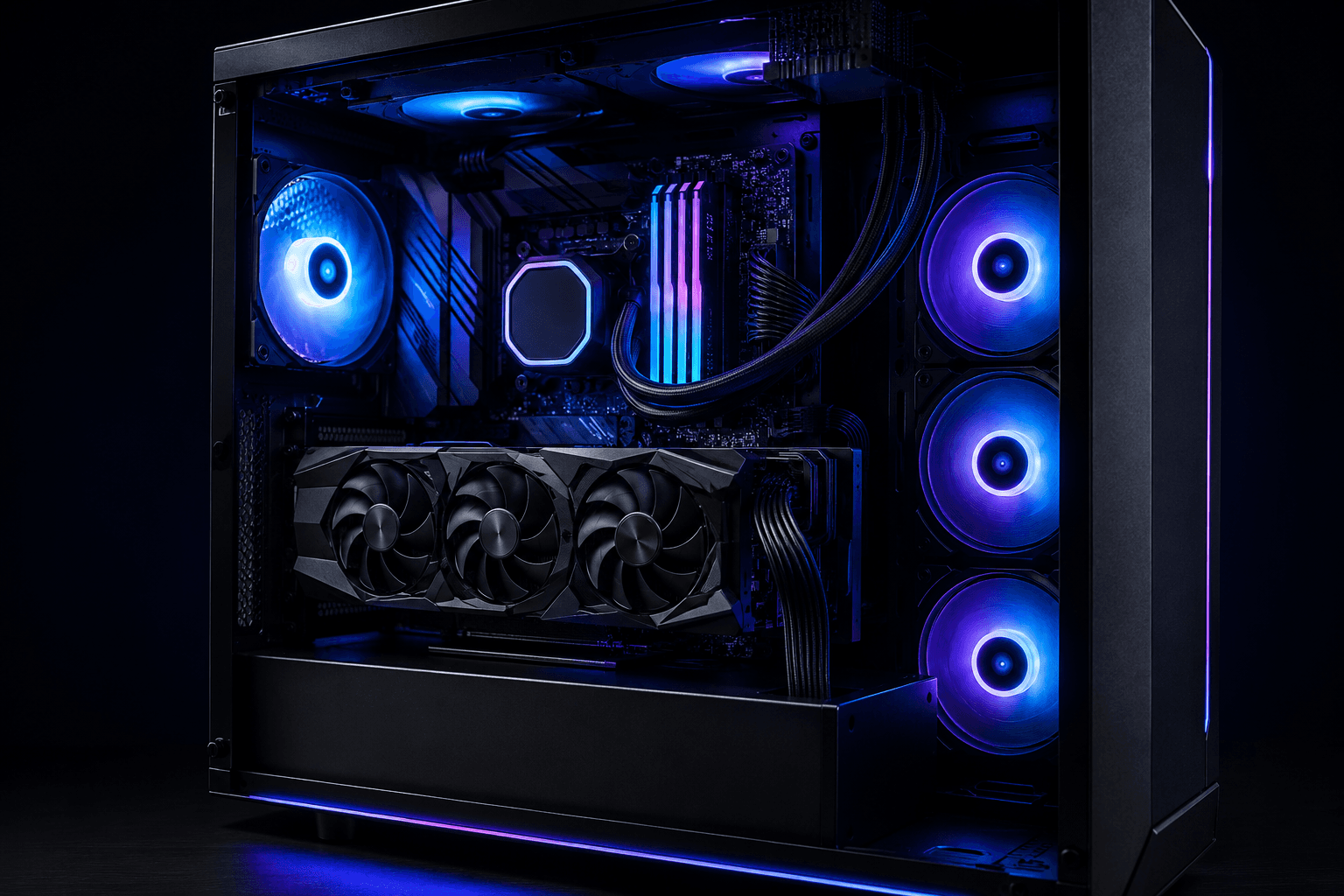
The short answer is: it depends entirely on the system. Prebuilt gaming PCs have improved considerably over the last few years, but the market is still uneven enough that buying the wrong one is a real risk. Some are well thought-out, use named-brand components, and represent reasonable value. Others dress up budget internals with RGB lighting and aggressive marketing and hope buyers don't look too closely.
Prebuilt gaming PCs can be good, but quality varies significantly between manufacturers. The main areas where corners tend to get cut are the power supply unit, the RAM configuration, thermal management, and upgrade headroom. A system that looks impressive in a spec sheet can still underperform if the PSU is underpowered, the RAM is running at base frequency, or the cooling is barely adequate. The GPU and CPU are usually fine — they're the visible selling points. It's everything around them that often gets compromised.
This article looks honestly at where prebuilts deliver, where they don't, and what the tells are for a system that's going to cause problems later.
Where Prebuilt Gaming PCs Have Actually Improved
It would be unfair to paint all prebuilts with the same brush. Five years ago, the consensus was fairly universal — prebuilts were overpriced, used proprietary parts, and made future upgrades difficult or impossible. That's changed, at least at the upper end of the market.
A growing number of UK-based specialist builders now offer systems using standard ATX motherboards, recognised PSU brands, and proper mid-tower cases with normal component clearances. These systems can genuinely compete with what you'd build yourself at a similar budget, and they come with the added convenience of being pre-assembled, pre-tested, and covered by a warranty.
The improvement has been driven partly by competition and partly by consumer awareness. People are better at checking specs than they used to be, and retailers that can't justify their component choices are losing ground to those who can. That doesn't mean the poor-value systems have disappeared — they're still out there — but the gap between the best prebuilts and the worst has widened noticeably.
At the mid-to-upper price points (£900 and above), a well-chosen prebuilt can be a legitimate option rather than a compromise. The challenge is identifying which systems actually belong in that category.
Where Prebuilts Still Cut Corners — and Why
The economics of building a prebuilt gaming PC create pressure to reduce costs somewhere. The GPU and CPU are the headline specs that drive purchasing decisions, so those tend to be solid. The components that don't appear prominently in marketing — the PSU, the cooler, the RAM speed configuration, the motherboard quality — are where money gets saved.
The PSU Is the Most Common Weak Point
A poor-quality power supply is the risk that concerns me most in budget and mid-range prebuilts. An undersized or unbranded PSU doesn't just underperform — it can damage other components when it fails. And they do fail, particularly under sustained load.
A system with an RTX 4070 should have at least a 650W unit from a recognisable brand. If the listing doesn't name the PSU manufacturer, that's worth treating as a red flag. Brands like Corsair, be quiet!, Seasonic, and Fractal are consistently reliable. An unnamed 600W unit from an unknown OEM is not the same thing, regardless of what the sticker says.
RAM Running Below Its Rated Speed
This one is subtle but common. A prebuilt might ship with DDR5 memory rated at 6000MHz, but if XMP or EXPO hasn't been enabled in the BIOS, it's running at the default base frequency — often 4800MHz or lower. You're paying for a faster kit and not actually getting it.
Some manufacturers enable XMP as standard. Many don't. It's a setting that takes seconds to change but requires you to know to look for it. If you've just spent £1,000 on a gaming rig and nobody told you to check this, you might never realise the system isn't performing as it should.
Cooling That's Barely Adequate
Prebuilts sometimes ship with stock coolers or budget AIO units that are fine under normal conditions but struggle when the CPU is pushed hard. This won't cause immediate problems, but it affects sustained performance and longevity. Thermal throttling — where the CPU reduces its speed to prevent overheating — can eat into performance in ways that aren't always obvious. If a system runs warm out of the box and the cooler has no room to improve, that's a design choice that affects you for the life of the machine.
Proprietary Motherboards and Non-Standard Parts
This is less common than it used to be, but certain large OEM brands still use non-standard motherboard layouts, unusual PSU connectors, or cases with proprietary mounting points. These limit what you can upgrade and, in some cases, make repairs more expensive than they need to be. It's one of the reasons specialist UK builders often offer better long-term value than big-name OEM systems at similar prices — they're using off-the-shelf parts that you can source and replace easily.
The Components That Are Usually Fine
To be balanced about this: the GPU and CPU in most prebuilts are exactly what they claim to be. A listing that says RTX 4070 will have an RTX 4070. The question is whether it's a full-spec AIB card or a reduced-power OEM variant with a smaller heatsink — but the silicon itself won't be misrepresented.
Storage is also generally acceptable. Most systems in the £700+ range now ship with NVMe SSDs as standard, which is a meaningful improvement over the SATA-only configurations that were common a few years back. Capacity can still be on the low side — 512GB fills up quickly — but the type of storage is usually appropriate.
Case quality varies but is rarely dangerously poor. The bigger issue with cases is that some are chosen more for aesthetics than airflow, which circles back to the thermal management point above.
How to Tell if a Prebuilt Is Worth Buying
There are some reliable signals that distinguish a genuinely good prebuilt from one that's cutting corners:
✓ The PSU brand is named and is a recognised manufacturer — if it's not listed, ask before buying.
✓ The motherboard form factor is standard ATX or Micro-ATX — not a proprietary layout.
✓ RAM is confirmed to be running at XMP speed — or at least that XMP is enabled by default.
✓ There are free RAM slots and M.2 slots for future expansion — a system at its capacity ceiling on day one is a poor long-term purchase.
✓ The warranty is UK-based and covers at least 12 months — ideally two years, with clear terms on what's covered and how returns are handled.
✓ The case supports standard GPU sizes — important if you plan to upgrade the graphics card later.
Before buying any prebuilt, it's worth going through the key specs methodically rather than reacting to the headline GPU and price. Our guide on what to check before buying a prebuilt covers this in more detail and is a useful companion to this article.
Prebuilt vs Custom: Is the Convenience Worth It?
The honest answer is that it depends on what you value and what your budget looks like. A custom build at a given budget will almost always give you better component choice and slightly more for your money — you're not paying for assembly labour, branding, or a margin on top of each individual part.
That said, not everyone wants to build. The process of selecting compatible components, assembling a system, troubleshooting POST issues, and managing warranties across multiple suppliers is genuinely time-consuming. If you'd rather hand over a budget and receive a working, tested system that someone else is responsible for if it goes wrong, a prebuilt from a reputable builder makes complete sense.
The middle ground that often gets overlooked is a custom-configured system from a specialist builder — where you choose the components and someone else assembles and tests it. You get meaningful control over the spec without needing to do the build yourself, and you still get a single warranty covering the whole system.
The comparison between building your own and buying prebuilt is genuinely more nuanced than most online discussions make it sound. We've looked at this in detail in our breakdown of custom vs prebuilt — the real cost difference, which is worth reading if you're still deciding which route to take.
What About the Big OEM Names?
Brands like Dell (Alienware), HP (Omen), and Acer (Predator) dominate search results for prebuilt gaming PCs. Their systems aren't inherently bad — the GPU and CPU specs are generally legitimate, and their warranty support infrastructure is substantial.
The trade-offs tend to be proprietary parts, limited upgrade paths in smaller form-factor systems, and cooling solutions that prioritise noise levels over performance headroom. If you're buying one of their mid-tower systems in the £900–£1,400 range and don't plan to upgrade aggressively, you're unlikely to have a bad experience. But you're also paying a brand premium, and the internals won't always match what an equivalent-budget specialist builder would put together.
For buyers who want flexibility, upgrade headroom, and transparent component choices, the large OEM route is generally not the strongest option at any price point.
The Upgrade Question
One thing that rarely gets discussed upfront is whether a prebuilt can actually be improved over time. A GPU that's good enough today might need replacing in two or three years, and the PSU, case clearance, and available power headroom determine whether that's straightforward or turns into a more expensive project.
Systems built on standard platforms — AM5 for AMD Ryzen, current Intel LGA sockets — leave more options open for CPU upgrades than older platforms that have reached end of life. RAM is upgradeable on most systems, provided there are free slots. Storage expansion is rarely an issue if there's a spare M.2 slot.
The systems most likely to cause problems at upgrade time are small form-factor builds with laptop-style components, proprietary cases that won't fit standard GPU sizes, and anything with a PSU that's already near its limit with the current hardware installed. These aren't disqualifying factors if you're buying for the short term and plan to replace the whole system eventually — but they matter if you're expecting to upgrade in stages.
Frequently Asked Questions
Are prebuilt gaming PCs worth buying in 2026?
Yes, but only if you choose carefully. The market includes genuinely good systems alongside ones that cut corners on the PSU, cooling, and RAM configuration. Checking those details before buying makes a significant difference to the value you actually get.
Do prebuilt gaming PCs use lower quality components?
Sometimes. The GPU and CPU are usually accurate to their listing, but PSUs, cooling solutions, and RAM speed configuration are common areas where costs are reduced. Asking for PSU brand and model before purchasing is a straightforward way to check.
Can you upgrade a prebuilt gaming PC?
Many can be upgraded, but it depends on the system. Standard ATX motherboards, named-brand PSUs with headroom, and mid-tower cases give you the most flexibility. Proprietary layouts and small form-factor systems are more restrictive.
Are large OEM prebuilts like Alienware or HP Omen any good?
They're not bad, but you tend to pay a brand premium, and some models use proprietary components that limit future upgrades. Specialist UK builders often offer better component transparency and upgrade-friendly builds at similar price points.
Why do some prebuilts underperform despite good specs?
The most common reason is RAM running at base frequency rather than the rated XMP or EXPO speed. A DDR5 kit listed at 6000MHz that hasn't had XMP enabled will run significantly slower. Thermal throttling from inadequate cooling is another cause that's easy to miss.
How do I know if a prebuilt PSU is any good?
Check whether the PSU brand is named in the listing. Recognised brands include Corsair, be quiet!, Seasonic, Fractal, and EVGA. An unnamed or unbranded PSU in a system at any price point is worth questioning before you buy.
Is it better to build your own PC or buy a prebuilt?
Building your own gives better component control and usually better value at a given budget. Buying prebuilt offers convenience, a single warranty, and a tested system. A custom-configured build from a specialist — where you choose components and they assemble it — is often the best of both options.
Final Thought
Prebuilt gaming PCs aren't inherently good or bad — they're a category wide enough to contain both excellent value and significant disappointment at similar prices. The ones that cut corners do so in areas that are easy to overlook until you're either gaming below your potential or facing an upgrade that's more complicated than it should be. Going in with a clear checklist of what to verify — PSU brand, RAM speed, upgrade headroom, warranty terms — changes the odds considerably in your favour.