How Do PC Game Keys Work and How Do You Activate Them?
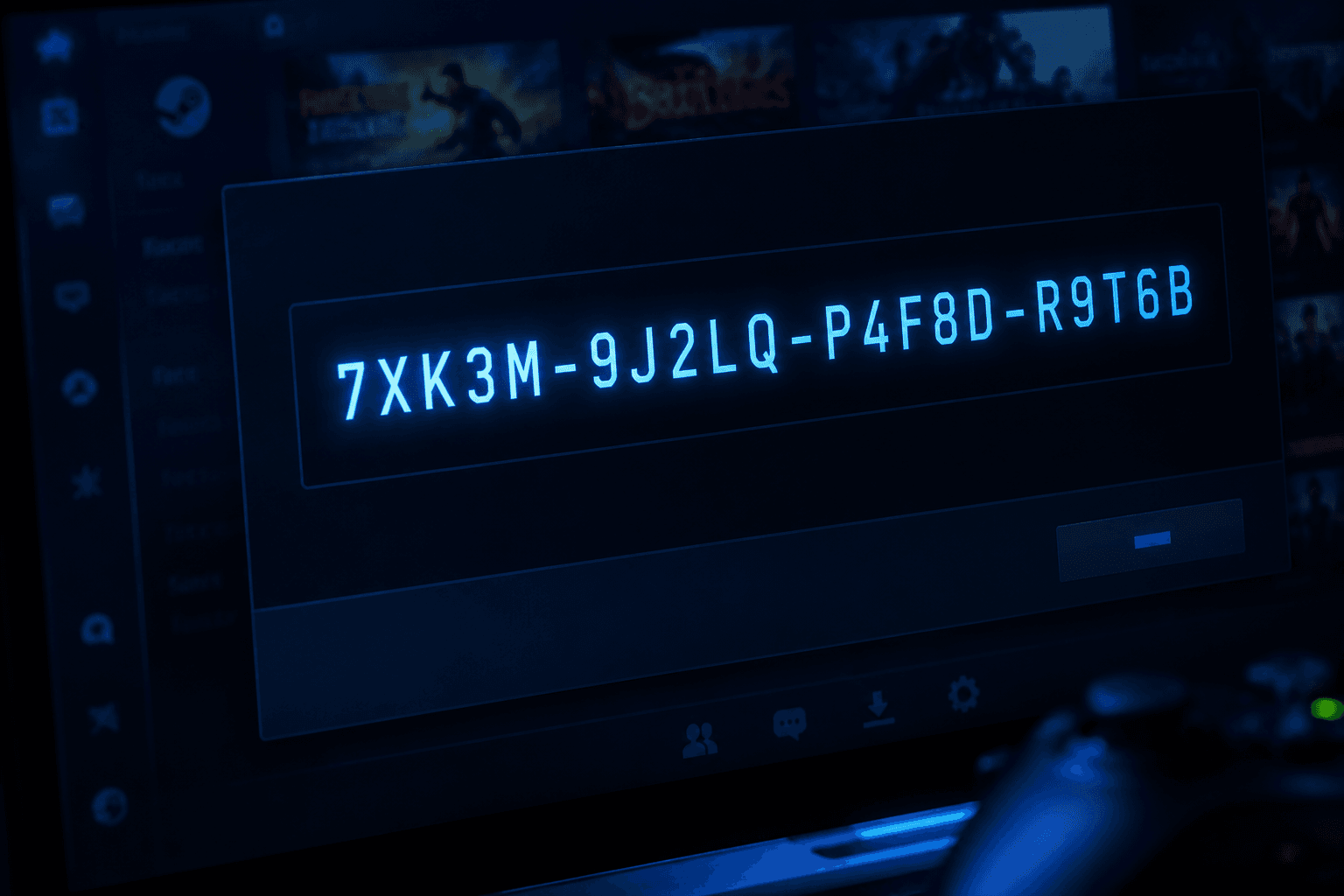
A PC game key is a unique code, usually a string of letters and numbers, that unlocks a specific game on a specific platform when entered. You buy the code, enter it into the platform it is designed for, and the game permanently joins your library. No disc, no download manager outside the platform, no ongoing dependency on the seller. The key just converts into a licence that lives on your account.
The process sounds simple because it mostly is. Buy a key for a Steam game, redeem it on Steam, download it, play it. The complications that people run into are almost always about platform mismatch, regional restrictions, or buying from the wrong type of seller. Understanding how keys work on each platform helps you avoid all of those.
What a Game Key Actually Is
Every game sold digitally is backed by a database of unique activation codes on the platform side. When a publisher releases a game on Steam, GOG, the Epic Games Store, or any other platform, the platform generates a pool of codes that correspond to that game. Publishers can distribute these codes to retailers, bundle them into promotions, use them for press copies, or sell them directly. Each code is single-use and tied to one specific game on one specific platform. Once redeemed, it cannot be used again.
The code itself does not contain the game. It is just a lookup reference that tells the platform which game to attach to your account when redeemed. The actual game files download from the platform's servers after activation, the same way they would if you had bought the game directly on the platform. The end result in your library is identical regardless of where you bought the key.
Keys are also platform-specific. A Steam key will not work on GOG. An Epic key will not work on Steam. The platform it is for is usually stated clearly in the listing when you buy, but it is worth double-checking before purchasing, particularly on key sites that list multiple platform versions of the same game.
How to Activate a Key on Steam
Steam is the most common platform for PC game keys, so this is where most activation questions arise. The process is straightforward once you know where to look.
Activating on the Steam desktop client:
✓ Open Steam and log into your account
✓ Click the "Games" menu in the top navigation bar
✓ Select "Activate a Product on Steam"
✓ Follow the prompt, accept the agreement, and enter your key in the field provided
✓ The game is added to your library immediately on successful activation
Activating via the Steam website:
✓ Go to store.steampowered.com/account/registerkey
✓ Enter the key in the field and click "Redeem"
✓ The game is added to your account and will appear in the library on your Steam client
The key format for Steam is typically five groups of five alphanumeric characters separated by hyphens, like XXXXX-XXXXX-XXXXX-XXXXX-XXXXX. If your key is in a different format, check which platform it actually belongs to. That is one of the more common activation mistakes I see, particularly when people buy bundles that include keys across multiple platforms without reading the listing carefully.
How to Activate a Key on Epic Games Store
Epic uses a different activation flow from Steam. The Epic Games Launcher is the application through which Epic keys are redeemed.
✓ Open the Epic Games Launcher and sign in
✓ Click your account name in the bottom-left corner
✓ Select "Redeem Code" from the menu
✓ Enter your key and confirm
You can also redeem codes through the Epic website at epicgames.com/activate if you prefer a browser-based approach. Epic keys tend to be shorter than Steam keys and may include hyphens differently. Always verify the key format matches the platform you are trying to use it on.
How to Activate a Key on GOG
GOG is slightly different because it is a DRM-free platform, meaning the games you buy are yours without ongoing platform verification after download. The activation process still requires the GOG Galaxy client or the website.
✓ Log into your GOG account at gog.com
✓ Click your username in the top right and select "Redeem Code"
✓ Enter the key and confirm
In GOG Galaxy, you can also find the "Add Game" option and select "Enter Game Key" from there. GOG keys are typically used for games purchased through authorised retailers who have GOG partnerships. Not all games on GOG are available as third-party keys since many publishers prefer GOG's direct sales model.
How to Activate a Key on the Xbox App and Microsoft Store
Microsoft games bought as PC keys activate through the Xbox app on Windows, not the Microsoft Store application directly, though both routes exist.
✓ Open the Xbox app and sign in with your Microsoft account
✓ Click the Microsoft Store icon, then select "Redeem Code" or use the "Use a Code" option
✓ Alternatively, visit microsoft.com/redeem in a browser and enter the code there
Microsoft keys are 25-character codes typically formatted in five groups of five characters. They activate the game across both PC and Xbox if the title supports Play Anywhere, which is a detail worth knowing if you own both platforms.
Common Activation Problems and How to Fix Them
Most activation failures fall into a small number of categories. Here is what they mean and what to do.
"This product is not available in your country" or region error
The key was purchased for a different regional market and your account is registered in a country outside that region. Steam and other platforms have increasingly tightened enforcement on this. If you bought from a grey market site that sources regional keys, this is the likely cause. Contact the seller. If they cannot provide a correct regional key, pursue a chargeback through your payment provider. This is one of the reasons buying from authorised retailers matters, as covered in our look at whether game keys are safe to buy.
"This product is already owned" error
Your account already has this game. Check your library in case you activated the same key twice, bought it directly on the platform at some point, or received it in a bundle. This is not a failed activation; the game is already in your account.
"Invalid product code" or "Key not found" error
The key does not match any record in the platform's database. This can mean the key was entered incorrectly, was for a different platform, was already redeemed by someone else, or was generated fraudulently. Check the format carefully and confirm it is intended for the platform you are using. If the key is legitimately purchased and genuinely not working, contact the seller immediately.
"This product key has already been activated" error
The code was redeemed before you got to it. On grey market sites this is a known issue where the same key is sold to multiple buyers. On legitimate retailers it is rare and they will replace the key. This is another reason the source of the key matters more than most buyers initially expect.
The game activated but does not appear in the library
Restart the client. On Steam, go to Library, select "All Games" in the filter, and search by name. Sometimes newly activated games take a few minutes to appear. If it still does not show after a client restart, check the game's store page while logged in; it should show "In Library" if the activation worked.
Platform-Specific Keys vs Universal Keys
One thing that confuses people buying games for the first time: there is no universal PC game key that works across platforms. Every key is platform-specific. A key purchased for Steam is only for Steam. The same game might be available on GOG as a separate product with a different key format. Publishers decide which platforms they sell on and whether they issue keys to third-party retailers for each one.
Some games also use their own launcher on top of a Steam key. Activating a key on Steam might still require you to run an additional launcher like the Ubisoft Connect or EA App to actually play. The Steam key gets the game into your Steam library, but the publisher's launcher handles online features and DRM. This is common for titles from Ubisoft, EA, and Activision. It does not affect the activation process on Steam's side but it does mean an extra step before the game actually runs.
What Happens to a Key After You Use It
Once a key is activated, it is permanently tied to your account and marked as used in the platform's database. No one else can use the same code. If you refund the game through Steam's refund policy (within two hours of playtime and within fourteen days of purchase), the key is returned to an unused state and can theoretically be resold or reused. Outside of that refund window, the activation is permanent.
This is also why buying a second-hand physical copy of a PC game that uses online activation is often pointless. The key included in the box was likely already activated by the previous owner. You are buying a box with a code that no longer works. Modern PC gaming does not have a second-hand market in the way console gaming does, specifically because of how digital activation works.
Keeping Track of Keys You Have Bought
If you buy keys from multiple retailers over time, it is worth keeping a record of them before activation. Email confirmation from the retailer usually contains the key. Key management tools like Playnite can help consolidate your library across platforms into one interface, though for most people the platform apps themselves are sufficient.
One situation I see come up occasionally is people who bought keys years ago, never activated them, and then struggle to find them when they want to use them. Check old emails from the retailer, check any platform accounts the keys might have been automatically added to, and check whether the key format can help identify which platform it belongs to. Steam keys have a very recognisable five-by-five format. Epic keys look different. GOG keys are distinct too. The format is usually enough to identify the intended platform even without the original confirmation email.
Getting Set Up: Keys Are the Final Step
Game keys make most sense once your PC is actually ready to run them. If you are still working through the hardware side of a new build, getting the components sorted first means you know exactly which platform you are setting up before spending money on software. Our guide on building a gaming PC under £1000 covers the hardware decisions that come before the software ones, and it is worth having those sorted before committing to a game library.
One mistake that catches people who have not built a PC before is overlooking the software costs entirely when budgeting. Windows needs a licence. Games need to be bought. Those costs add up alongside hardware. Anyone who wants to understand the full picture before pricing up a build should look at what a custom PC vs prebuilt actually costs end to end, since prebuilts often include a Windows licence while self-builds do not, which affects where game key spending fits in.
Frequently Asked Questions
What is a PC game key?
A unique alphanumeric code that activates a specific game on a specific platform when entered. Once redeemed, the game is permanently added to your account library on that platform.
Can a game key be used more than once?
No. Each key is single-use. Once activated, it is permanently tied to the account that redeemed it and cannot be transferred or reused.
How do I know which platform a game key is for?
The listing where you purchased it should specify the platform clearly. The key format can also help: Steam keys are typically five groups of five characters. Epic keys are shorter. If you are unsure, check the format against the known structure for each platform before trying to activate.
What do I do if my game key does not work?
First confirm the key is for the correct platform and has been entered accurately. If it is still not activating, contact the seller. Legitimate retailers will replace a non-functioning key or issue a refund. Grey market sellers may not.
Can I activate a Steam key without the Steam client?
You can redeem it through the Steam website at store.steampowered.com/account/registerkey, but you will still need the Steam client installed to download and play the game.
Why does my Steam key say it is for the wrong region?
The key was likely sold for a regional market outside your country. This is common with grey market keys sourced from lower-priced regions. It is a platform restriction, not an error, and the key genuinely will not work in your region unless your account is registered there.
Do game keys expire?
Most do not have an expiry date. Some promotional keys issued for specific campaigns may include an expiry, which should be stated in the terms when you receive the key. Standard retail keys from publishers and authorised retailers are typically valid indefinitely.
What is the difference between a game key and buying directly on Steam?
The end result is the same: the game is in your library. Buying directly on Steam processes the purchase through Steam's own checkout. A key is purchased elsewhere and then redeemed on Steam. Keys from authorised retailers are sometimes cheaper than the Steam store price, which is why the key market exists.
Final Thought
PC game key activation is genuinely simple once you know the platform the key belongs to and where the activation field is. The complications that arise are almost always about buying from the wrong source, mismatching platforms, or overlooking regional restrictions. Buy from authorised retailers, check the platform before purchasing, and enter the key carefully. That covers ninety-five percent of what people ask about when things go wrong. The remaining five percent is usually a grey market purchase, which is a problem that starts before the activation step.